
5 DIY Laptop Maintenance Tips to Prevent Future Repairs


Keep Your Laptop Clean
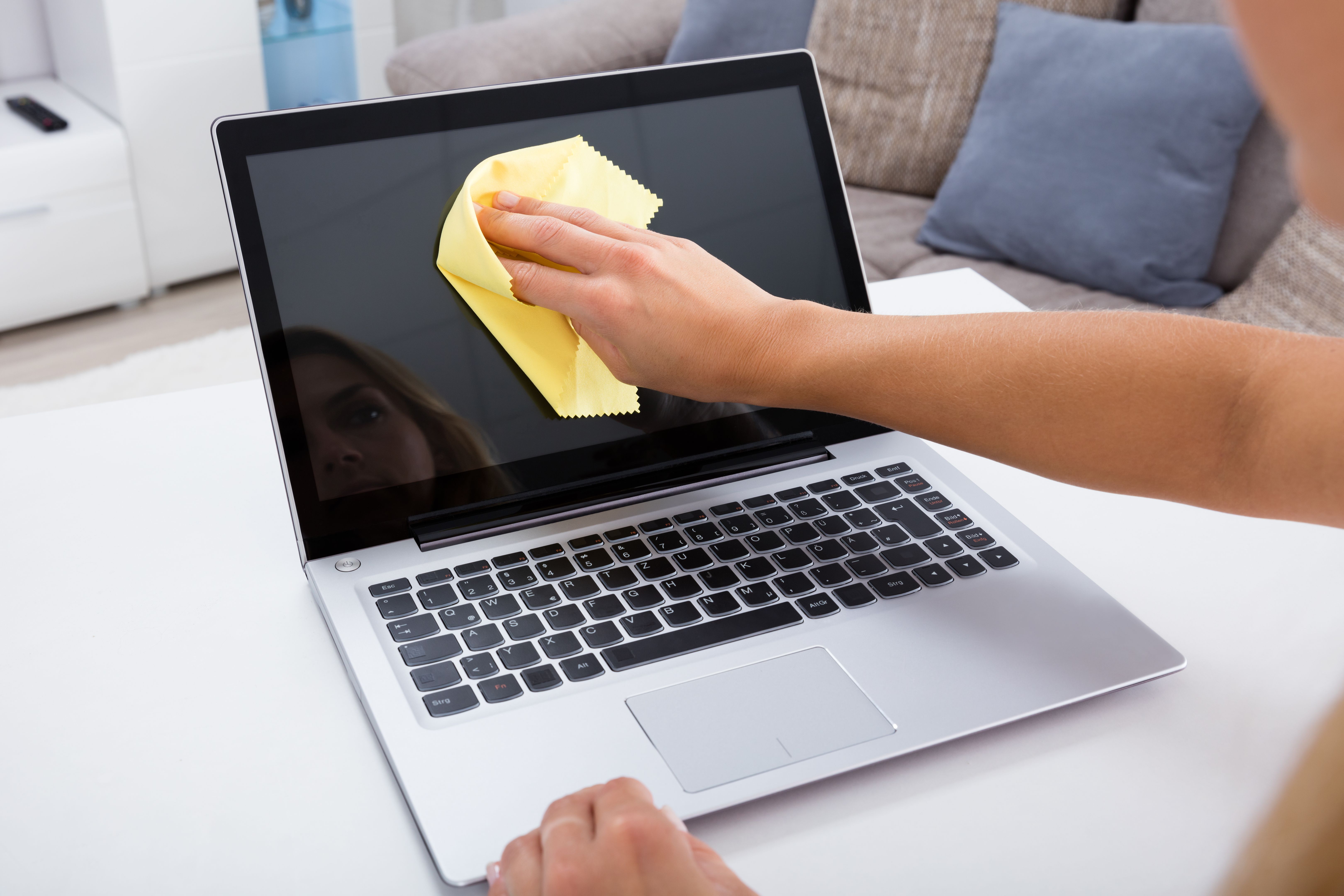
One of the simplest yet most effective ways to maintain your laptop is by keeping it clean. Dust and debris can accumulate in vents and on the keyboard, leading to overheating and malfunction. Use a soft cloth to wipe down the exterior regularly, and a can of compressed air to gently blow out dust from the keyboard and vents.
Regularly Update Your Operating System
Updating your operating system is crucial for maintaining the health of your laptop. These updates often include patches for security vulnerabilities and improvements to overall performance. Set your system to update automatically, or regularly check for updates manually to ensure you're always running the latest version.
Manage Your Storage Wisely
Over time, your laptop can become cluttered with unnecessary files and applications. Regularly review your storage and remove any files or programs you no longer need. Consider using cloud storage for large files, freeing up space on your device. This not only improves performance but also prolongs the life of your hard drive.

Protect Against Malware
Malware can cause significant damage to your laptop, leading to costly repairs. Install a reputable antivirus program and perform regular scans to catch and remove any malicious software. Be cautious when downloading files or clicking on links, especially from unknown sources, to avoid potential threats.
Check and Maintain Your Battery
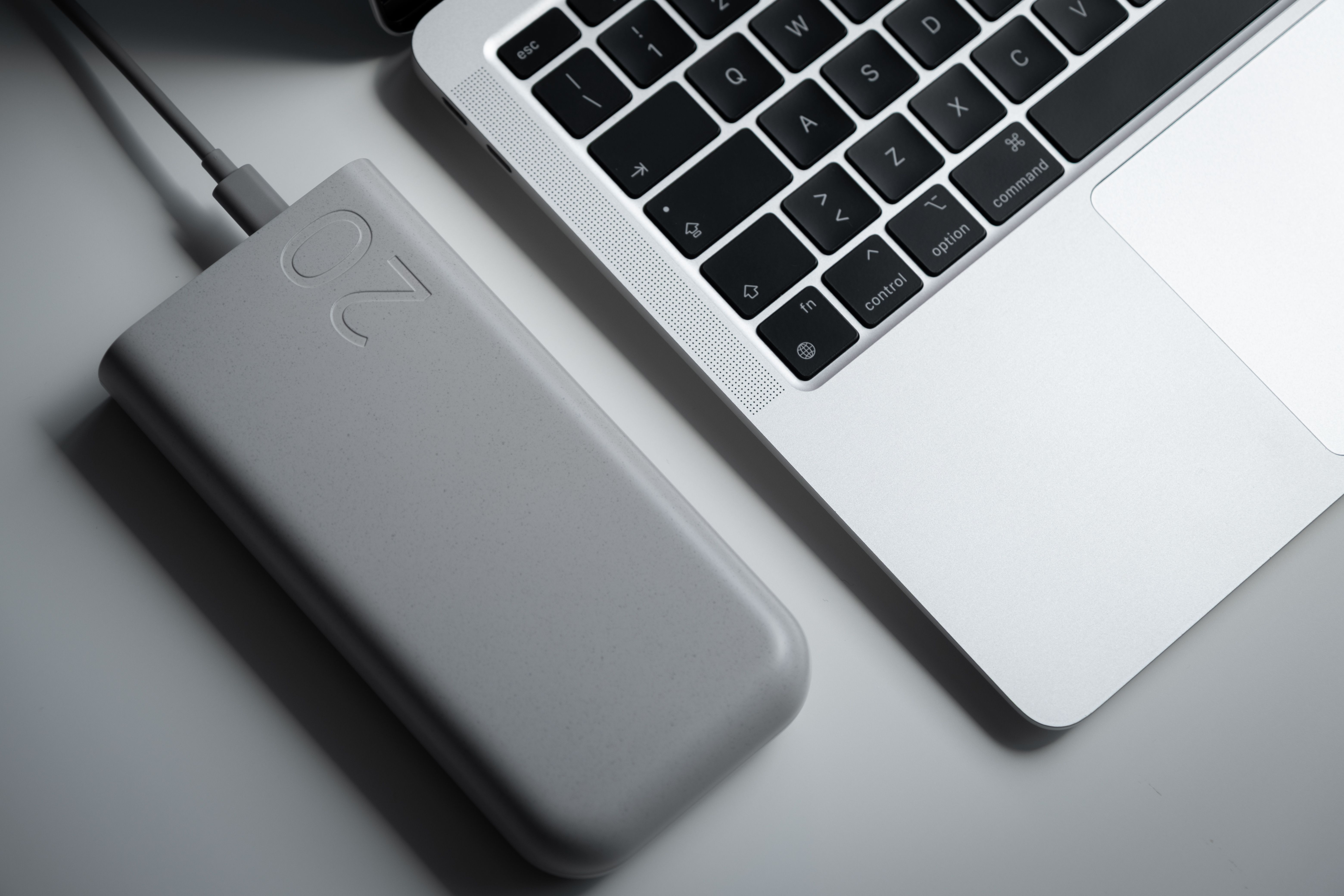
Your laptop's battery is a critical component that requires proper care. Avoid letting the battery drain completely before recharging, as this can shorten its lifespan. Consider using battery-saving modes and unplugging the charger once it's fully charged to prevent overcharging.
Conclusion
By following these five DIY laptop maintenance tips, you can significantly reduce the risk of future repairs and extend the lifespan of your device. Regular cleaning, updating, and cautious usage are key to keeping your laptop in top condition. Take the time to incorporate these practices into your routine and enjoy a more reliable computing experience.