
Common Laptop Issues and How Netcom Hardware Services Fixes Them


In today's digital age, laptops have become an essential tool for both work and leisure. However, like any technology, they can encounter issues over time. Understanding these common problems and knowing how to address them can save you time and frustration. At Netcom Hardware Services, we specialize in resolving these issues efficiently and effectively.
Slow Performance
One of the most frequent complaints is a laptop running slower than usual. This can be due to a variety of reasons such as insufficient RAM, a cluttered hard drive, or even malware. Our team at Netcom Hardware Services conducts a thorough analysis to pinpoint the cause and provide the necessary upgrades or clean-up to restore your laptop's speed.

Solutions for Speed Enhancement
To tackle slow performance, we often recommend:
- Upgrading RAM: Increasing your laptop's memory can significantly improve speed.
- Cleaning the Hard Drive: Removing unnecessary files and programs helps free up space.
- Malware Removal: Ensuring your system is free of viruses and malware is crucial for optimal performance.
Overheating Issues
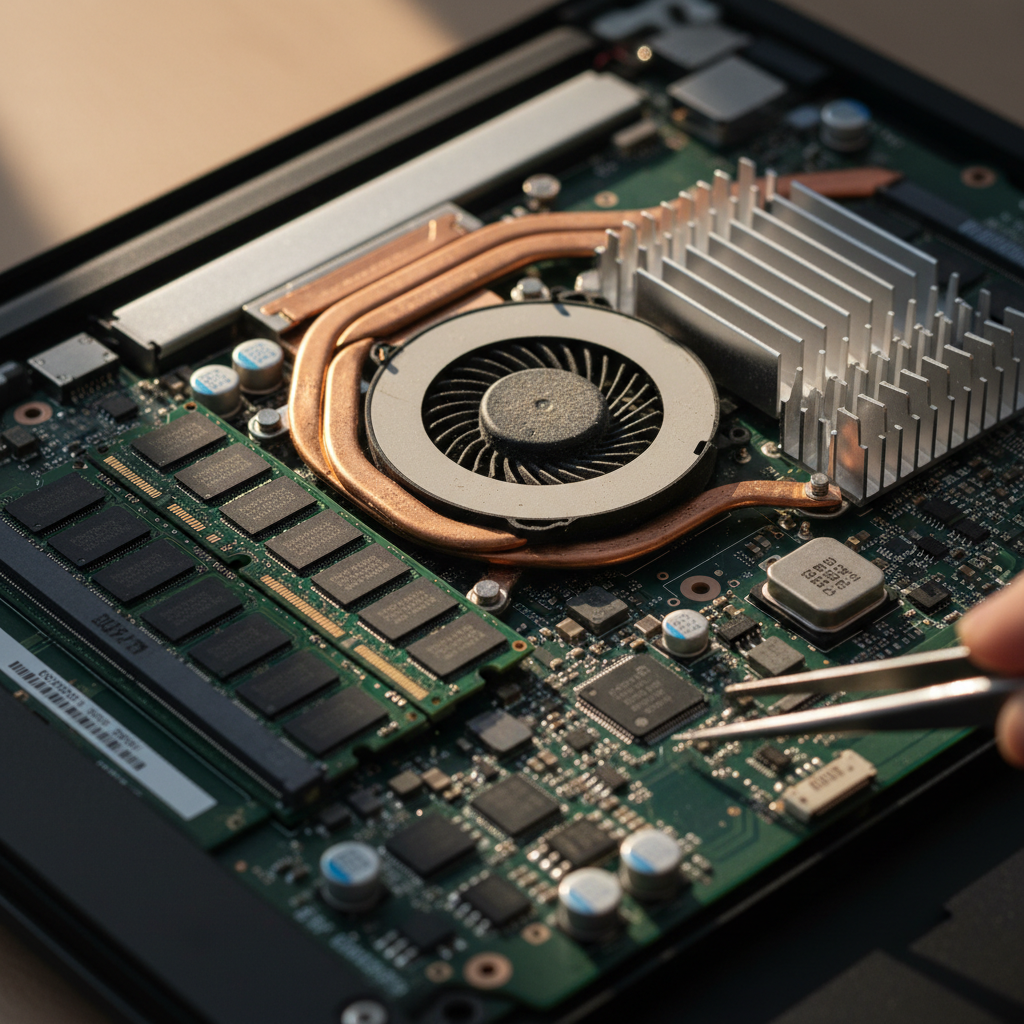
Another common problem is laptop overheating, which can lead to hardware damage if not addressed promptly. Factors like blocked vents, dust accumulation, or failing fans can contribute to this issue. Netcom Hardware Services provides comprehensive cleaning and component checks to ensure proper cooling.
Preventive Measures for Overheating
To prevent overheating, our experts suggest:
- Regular Cleaning: Dust can block vents, so regular cleaning is essential.
- Using Cooling Pads: These can help maintain a lower temperature during extended use.
- Fan Replacement: We replace faulty fans to ensure your laptop remains cool.
Battery Life Problems
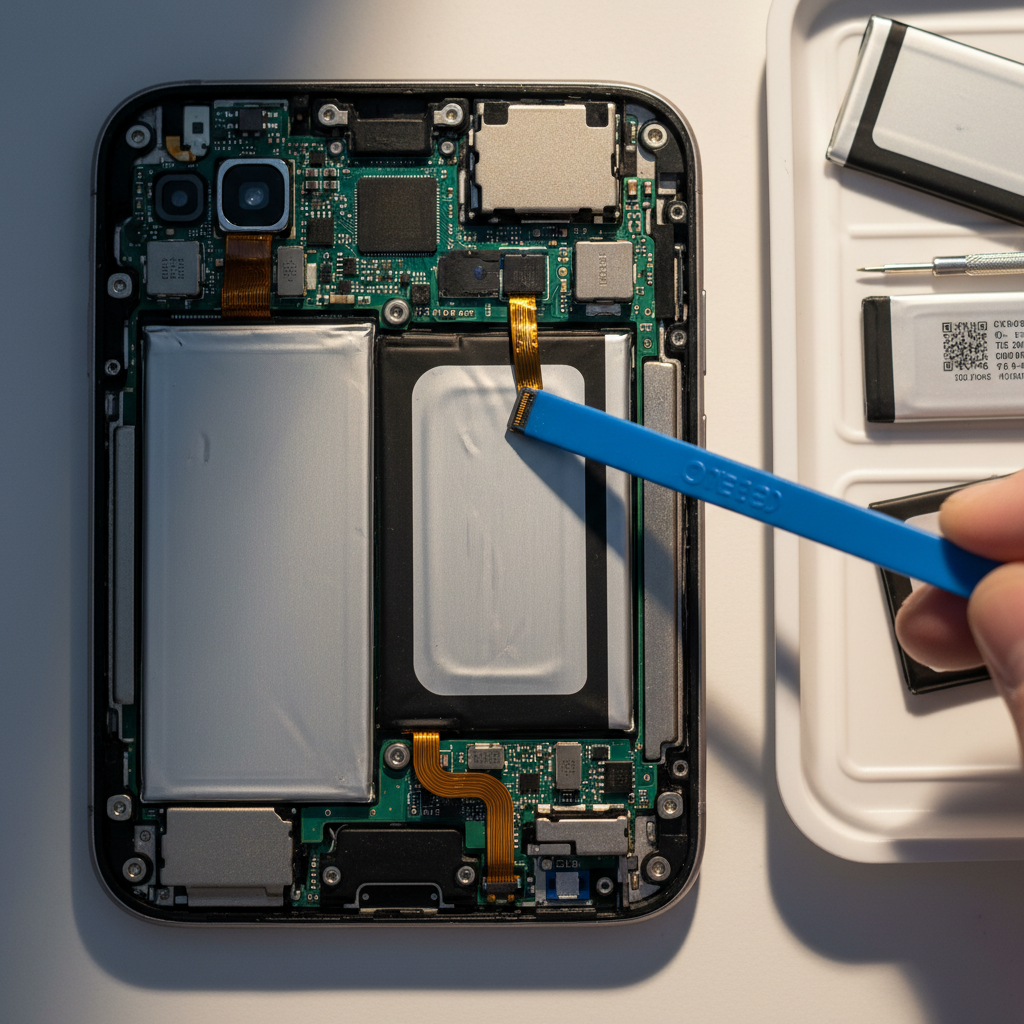
Many users experience issues with battery life deteriorating over time. This can be due to frequent charging, running high-power applications, or simply an aging battery. At Netcom Hardware Services, we assess the battery health and provide solutions that range from recalibration to complete replacement.
Enhancing Battery Longevity
To improve battery performance, consider the following tips:
- Adjusting Power Settings: Optimize settings to reduce power consumption.
- Avoiding Overcharging: Unplug once fully charged to extend battery life.
- Battery Replacement: We offer high-quality replacements for long-lasting performance.
Connectivity Issues
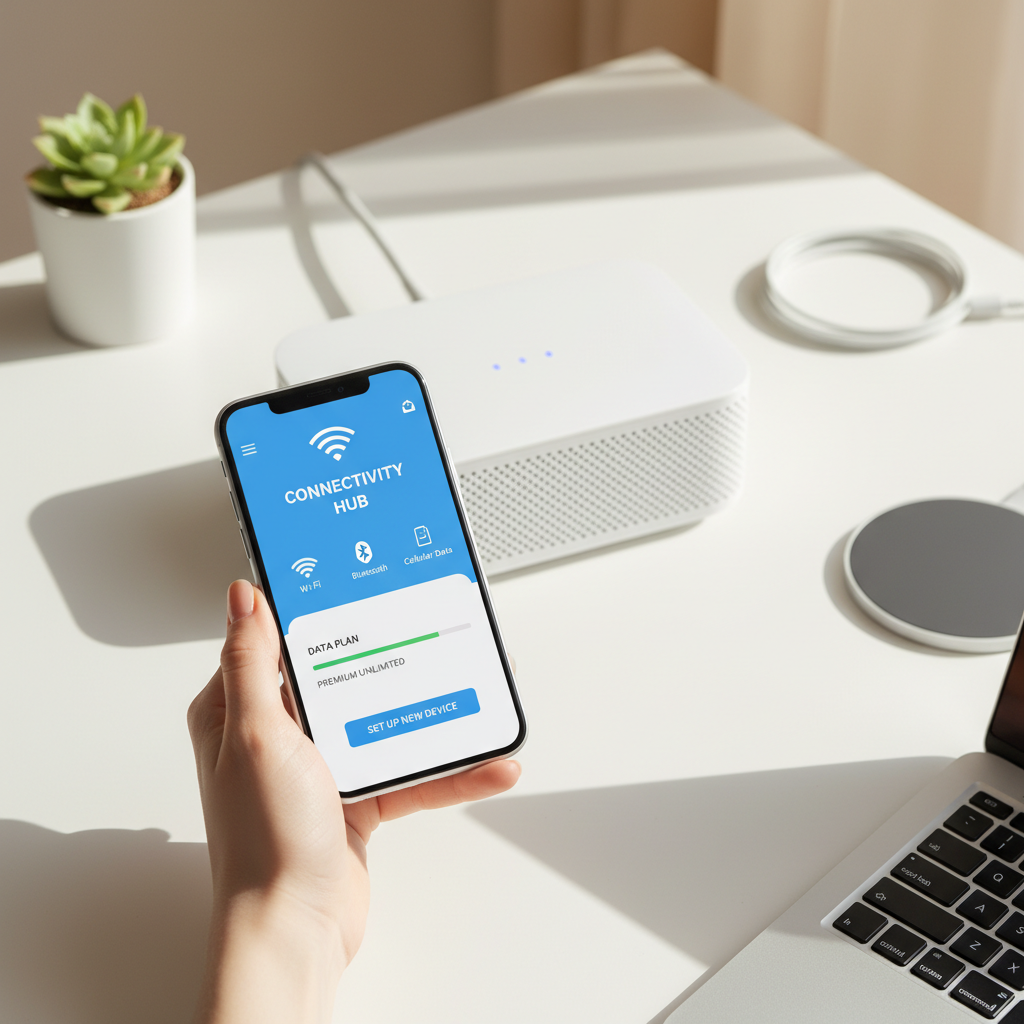
Connectivity problems, such as difficulty connecting to Wi-Fi or Bluetooth, are also common. These can be caused by outdated drivers, configuration errors, or hardware faults. Our technicians at Netcom Hardware Services diagnose and resolve these issues to ensure seamless connectivity.
Steps to Resolve Connectivity Problems
To fix connectivity issues, we often:
- Update Drivers: Ensure all network drivers are up to date.
- Check Configurations: Verify network settings and correct any errors.
- Hardware Inspection: Identify and replace any faulty components.
By addressing these common laptop issues, Netcom Hardware Services helps extend the life and functionality of your device. Our knowledgeable team is dedicated to providing quick and reliable solutions, ensuring your laptop continues to perform at its best.