
DIY Laptop Maintenance: How to Keep Your Device Running Smoothly


Introduction to DIY Laptop Maintenance
Keeping your laptop in top-notch condition doesn't always require a trip to the technician. With a few simple DIY maintenance tips, you can ensure your device runs smoothly and efficiently. Regular care not only extends the lifespan of your laptop but also enhances its performance.
In this guide, we'll walk you through some essential maintenance tasks that you can perform at home. Whether you're a tech newbie or a seasoned pro, there's something here for everyone.
Regular Cleaning and Dust Management
External Cleaning
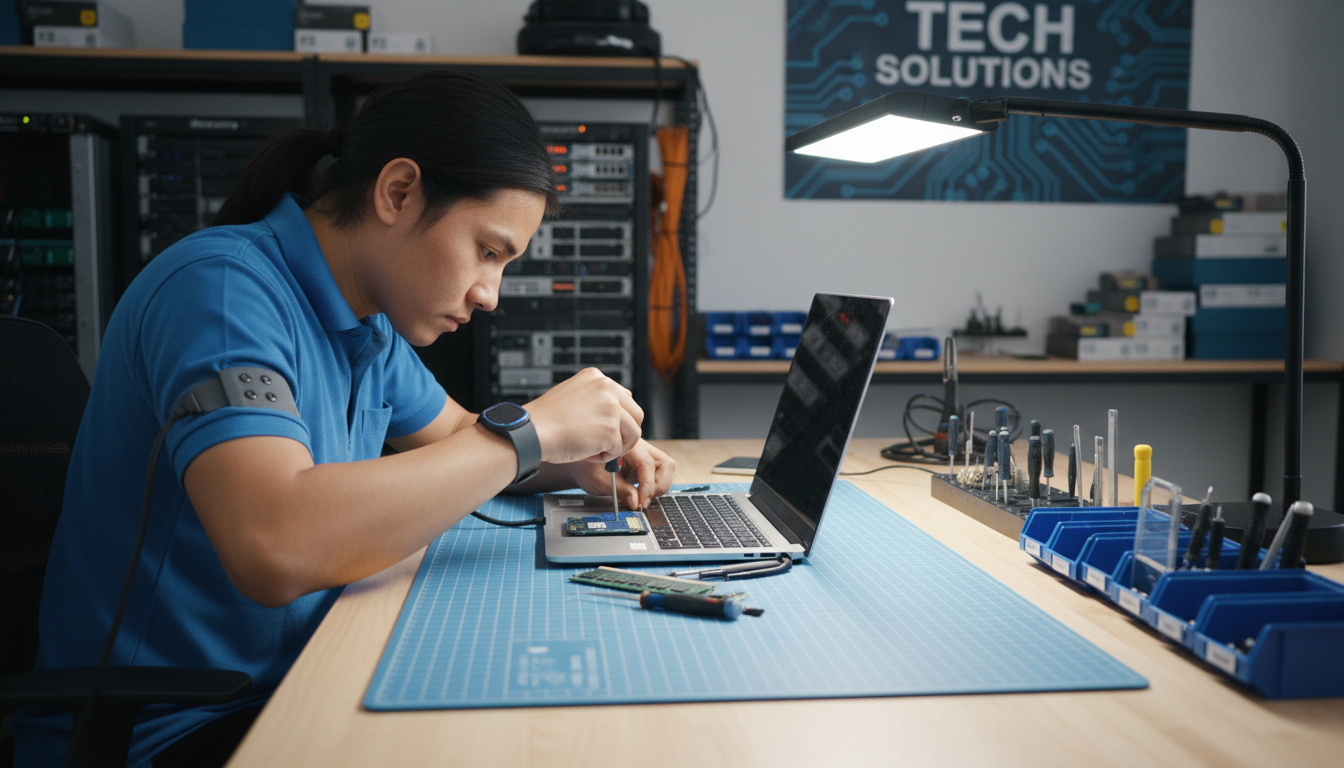
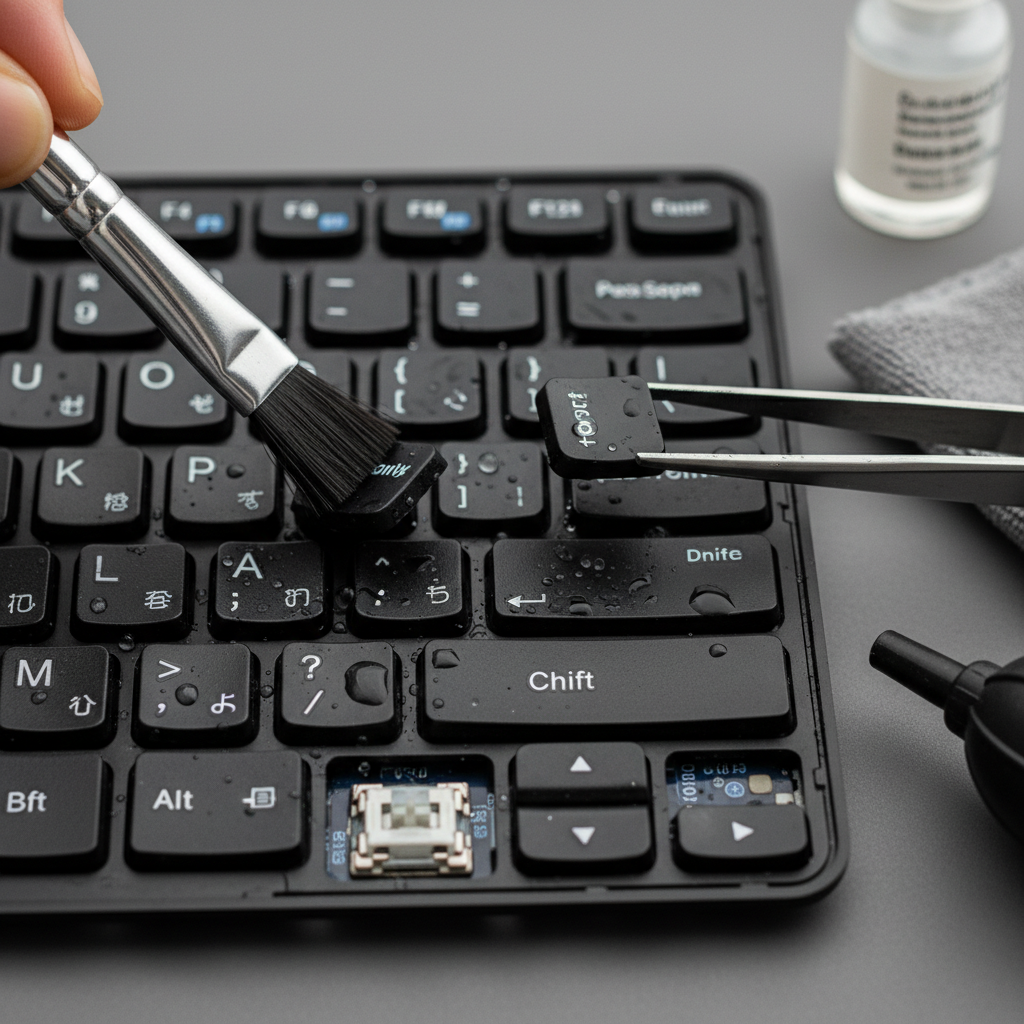
Dirt and dust can accumulate on your laptop over time, affecting its performance. To clean the exterior, use a microfiber cloth slightly dampened with water or a specialized electronic cleaning solution. Avoid using harsh chemicals as they can damage the surface.
Internal Cleaning
The interior components, especially the fan and vents, can gather dust, leading to overheating. Carefully open the laptop casing and use compressed air to blow out dust particles. Ensure the device is turned off and unplugged before attempting this.
Optimizing Software Performance
Uninstall Unnecessary Programs
Over time, your laptop may accumulate software that you no longer use. Uninstalling these programs can free up valuable resources and improve performance. Navigate to the control panel or settings menu to remove unnecessary applications.
Update Software Regularly
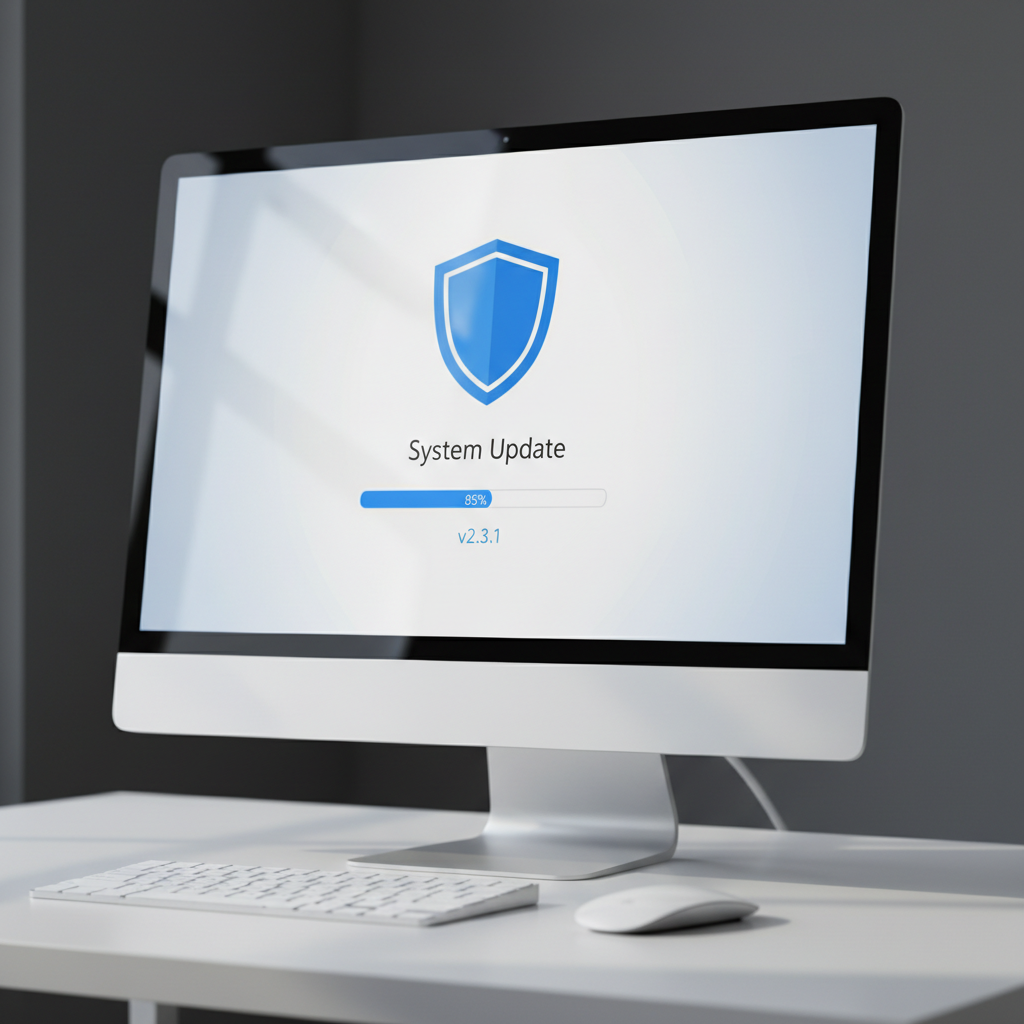
Keeping your operating system and applications updated is crucial for security and performance. Enable automatic updates or regularly check for the latest patches and upgrades to ensure your software is running optimally.
Battery Care and Management
Proper Charging Techniques
To maintain battery health, avoid keeping your laptop plugged in continuously. Let the battery discharge occasionally before recharging. This practice can extend the life of your battery and improve its performance.
Battery Calibration
Calibrating your battery ensures accurate charge readings. To do this, fully charge the battery, then use the laptop until it completely drains. Recharge it fully again without interruption. This process helps the battery gauge remain accurate.
Conclusion
By following these DIY maintenance tips, you can keep your laptop in excellent working condition. Regular cleaning, software optimization, and proper battery care are simple yet effective ways to ensure your device remains reliable and efficient. Invest a little time in maintenance, and your laptop will serve you well for years to come.