
DIY Laptop Maintenance: Tips from Netcom Hardware Services


Introduction to DIY Laptop Maintenance
Maintaining your laptop is crucial for ensuring its longevity and optimal performance. At Netcom Hardware Services, we believe that everyone can handle basic maintenance tasks with a little guidance. Here, we provide some simple yet effective DIY tips to help you keep your laptop in top shape.
Regular Cleaning Routine
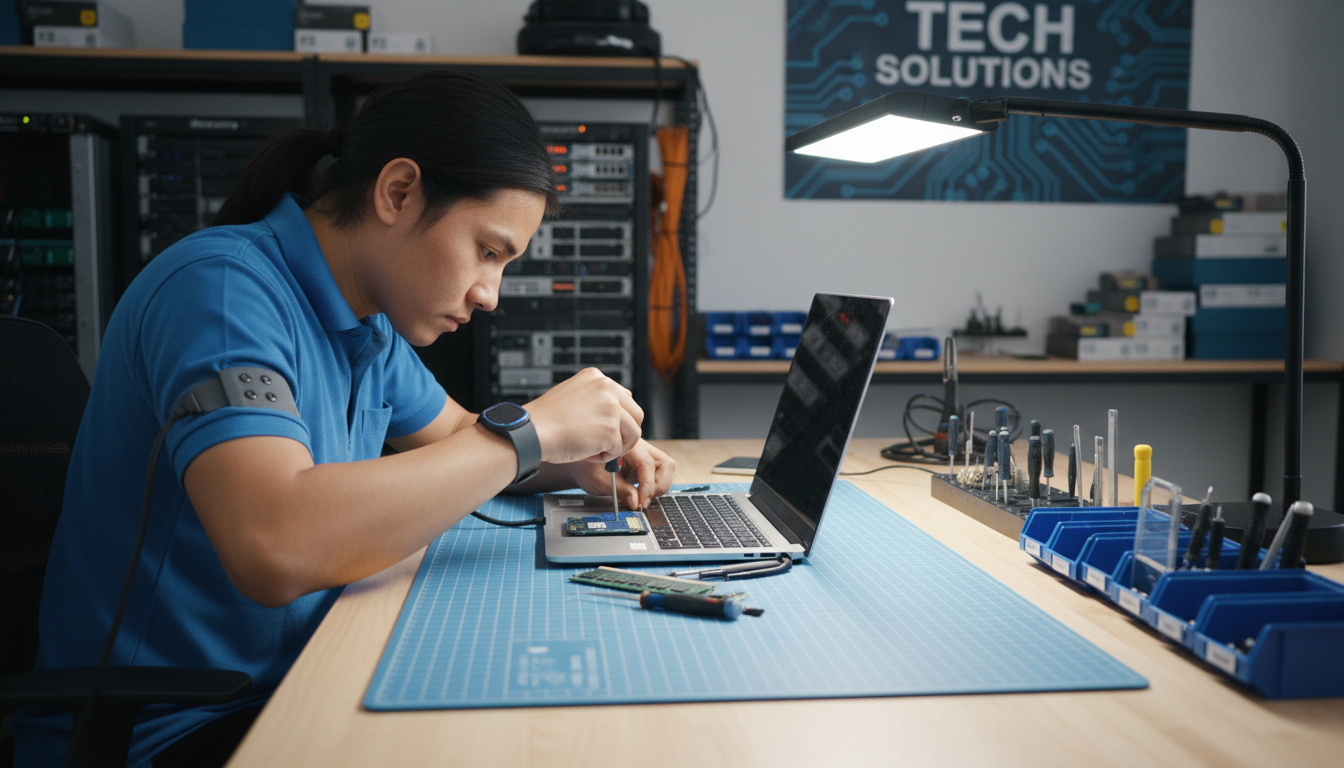
One of the easiest ways to maintain your laptop is by keeping it clean. Dust and debris can accumulate in the keyboard, vents, and other parts, affecting performance and causing overheating.
Keyboard and Screen
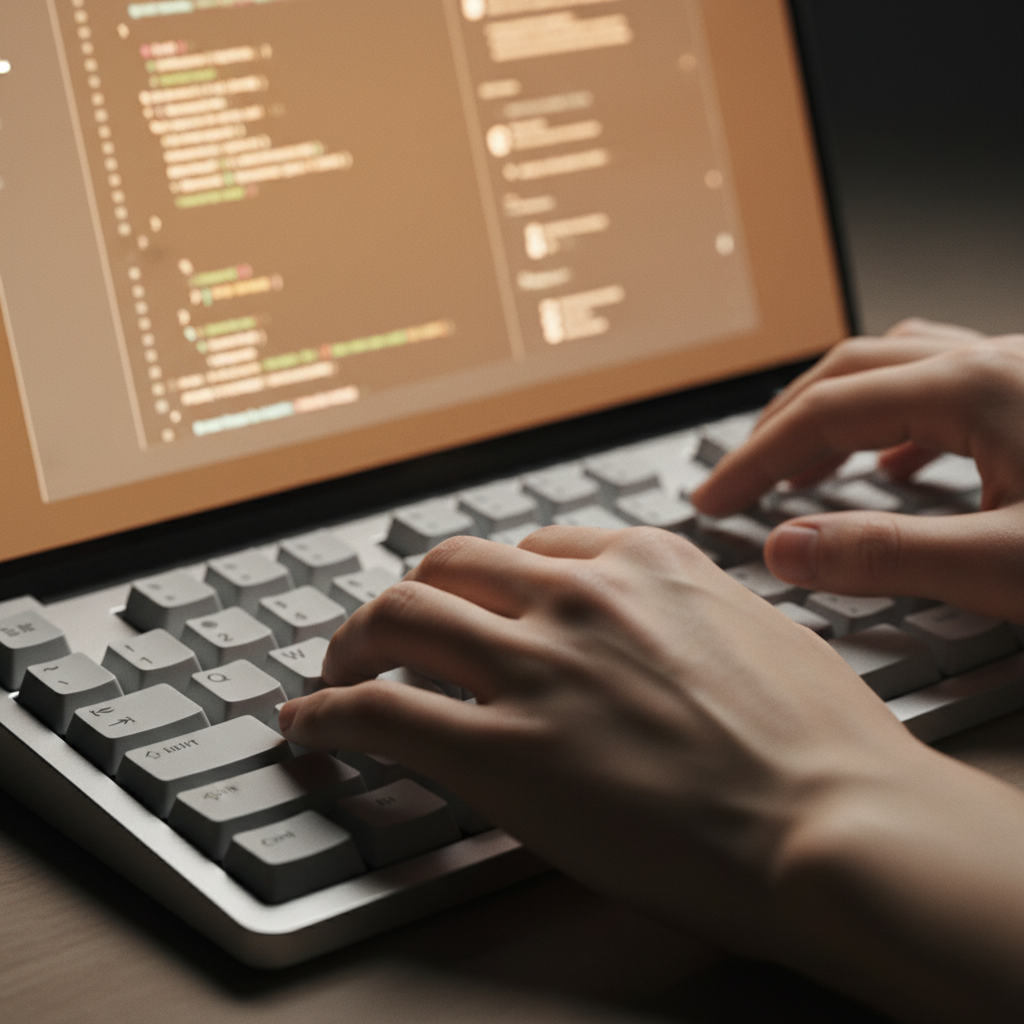
Use a can of compressed air to remove dust from the keyboard. For the screen, a microfiber cloth lightly dampened with water or a specialized screen cleaner works best. Avoid using harsh chemicals.
Vents and Ports
Dust in the vents can lead to overheating. Regularly clean the vents and ports with compressed air. Be gentle to avoid damaging internal components.
Software Maintenance
Keeping your software updated is just as important as physical cleaning. Regular updates help protect against vulnerabilities and improve performance.
Operating System and Drivers
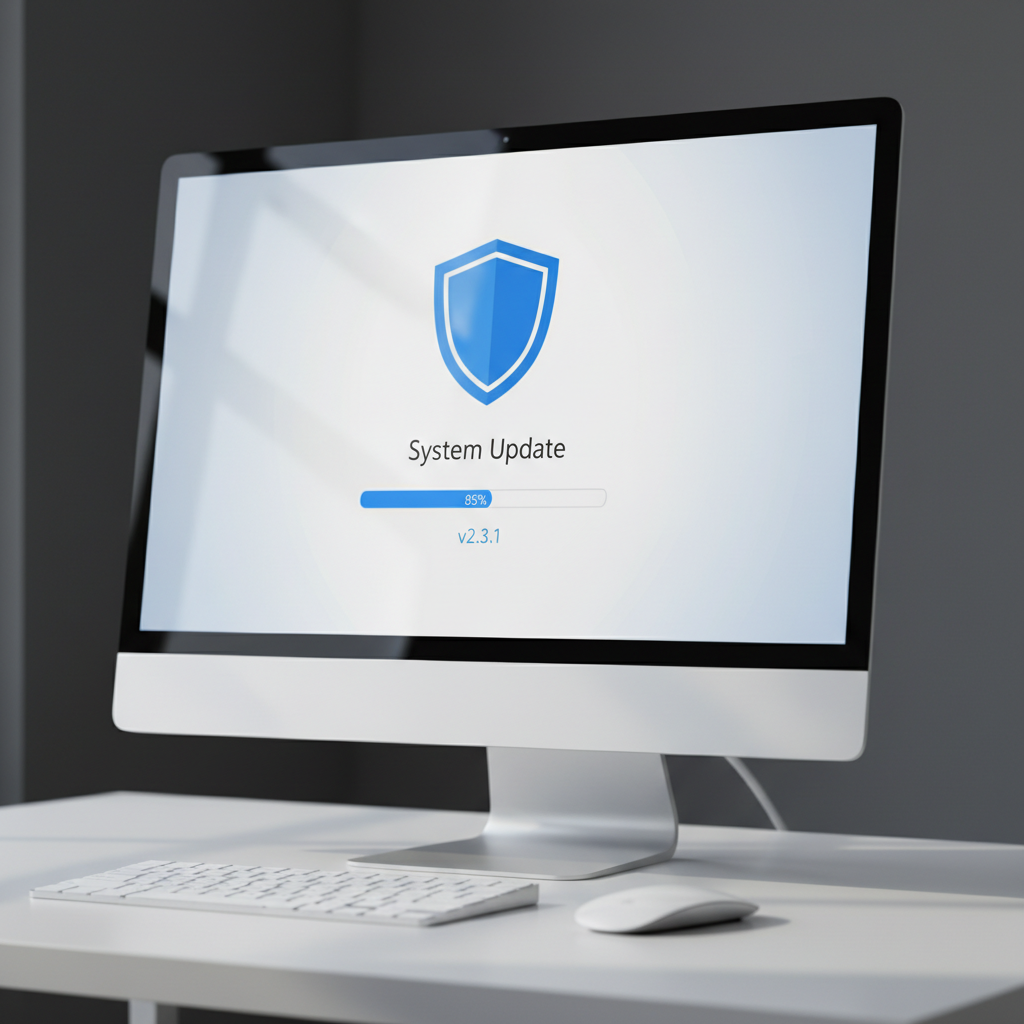
Ensure your operating system and drivers are up to date. Updates often include patches for security vulnerabilities and improvements in functionality.
- Check for OS updates regularly.
- Use the manufacturer's website to download the latest drivers.
Antivirus and Malware Protection
Install a reliable antivirus program to protect your laptop from malware. Regular scans will help detect and remove threats.
- Schedule weekly scans.
- Keep the antivirus software updated.
Battery Care
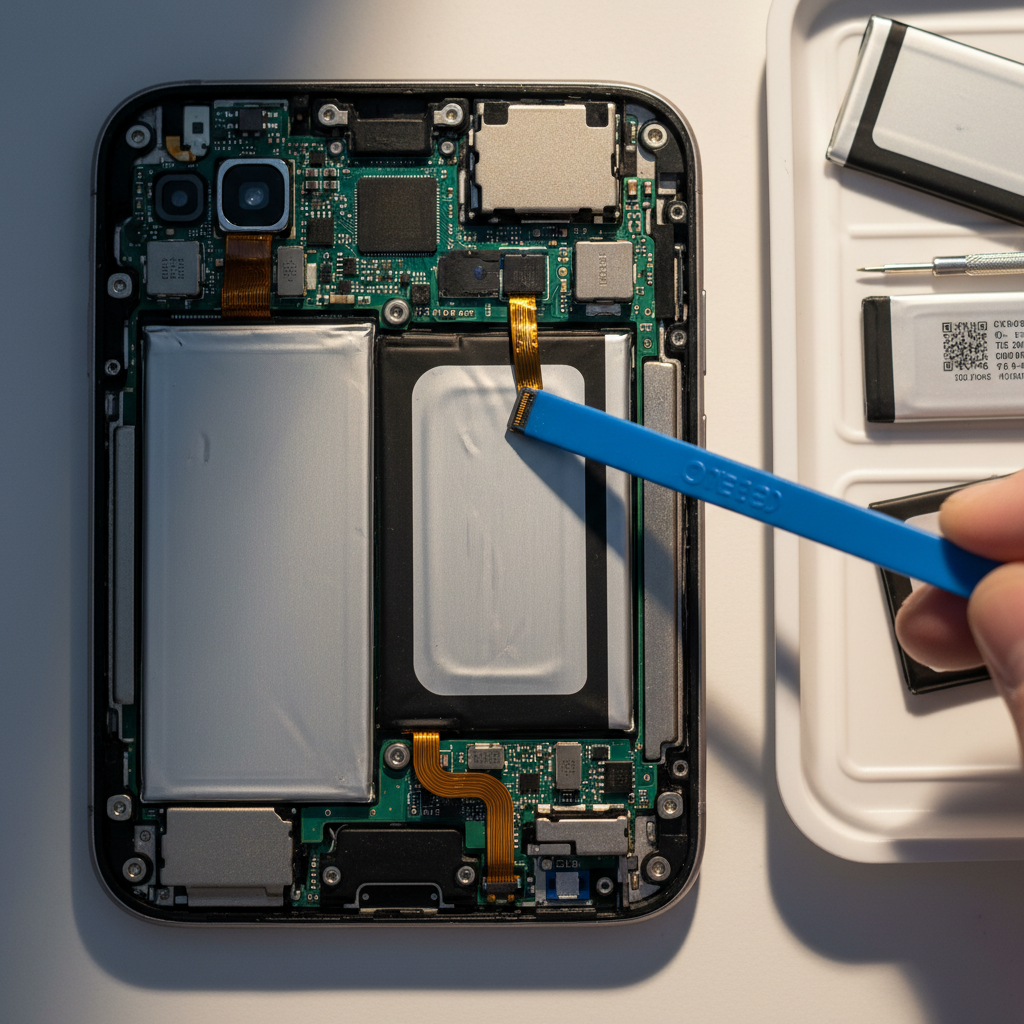
Proper battery maintenance can significantly extend its lifespan. Avoid letting the battery drop to 0% before charging, and unplug once it's fully charged.
Consider using battery-saving modes and reducing screen brightness to conserve power. If you store your laptop for an extended period, keep the battery at around 50% charge.
Conclusion
By following these simple DIY maintenance tips from Netcom Hardware Services, you can ensure that your laptop remains reliable and efficient. Regular maintenance not only improves performance but also extends the life of your device. Take a proactive approach today and enjoy a hassle-free computing experience.