
DIY Laptop Maintenance Tips: Keeping Your Device Running Smoothly


Regular Cleaning
Keeping your laptop clean is crucial for maintaining its performance. Dust and debris can accumulate in the keyboard and vents, causing overheating and potentially damaging the internal components. Use a soft brush or compressed air to gently clean these areas every few weeks.
Screen Care
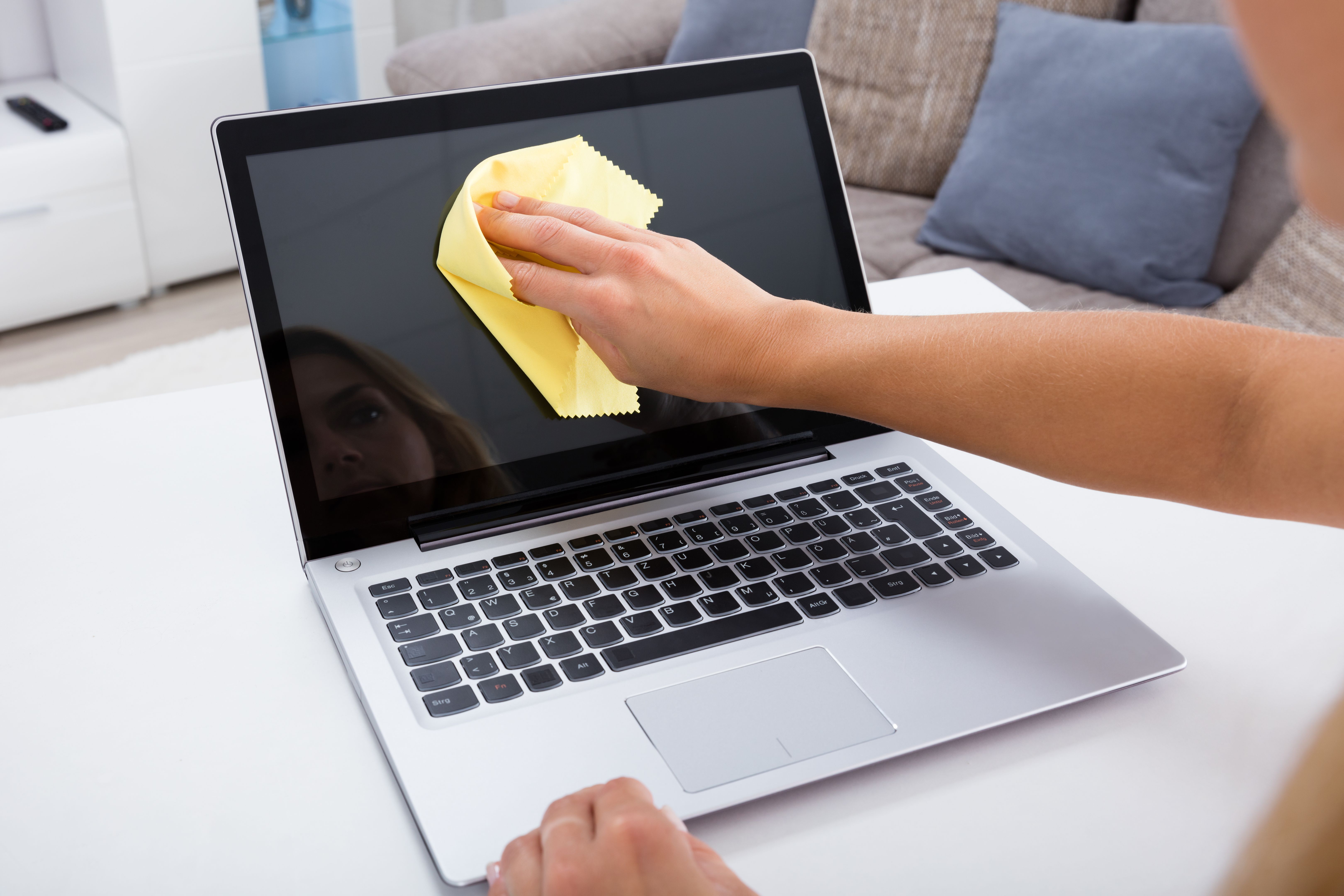
Your laptop's screen is one of its most important components. Use a microfiber cloth to wipe away smudges and fingerprints. Avoid using harsh chemicals; instead, a mixture of water and vinegar can be a safe alternative for screen cleaning.
Software Updates
Regular software updates ensure that your laptop runs smoothly and securely. Keep your operating system, antivirus, and other essential software up to date. This not only improves performance but also protects against security vulnerabilities.
Managing Startup Programs
Too many startup programs can slow down your laptop's boot time. Review your startup list and disable any unnecessary programs. This can be done through the task manager or system preferences, depending on your operating system.
Battery Maintenance
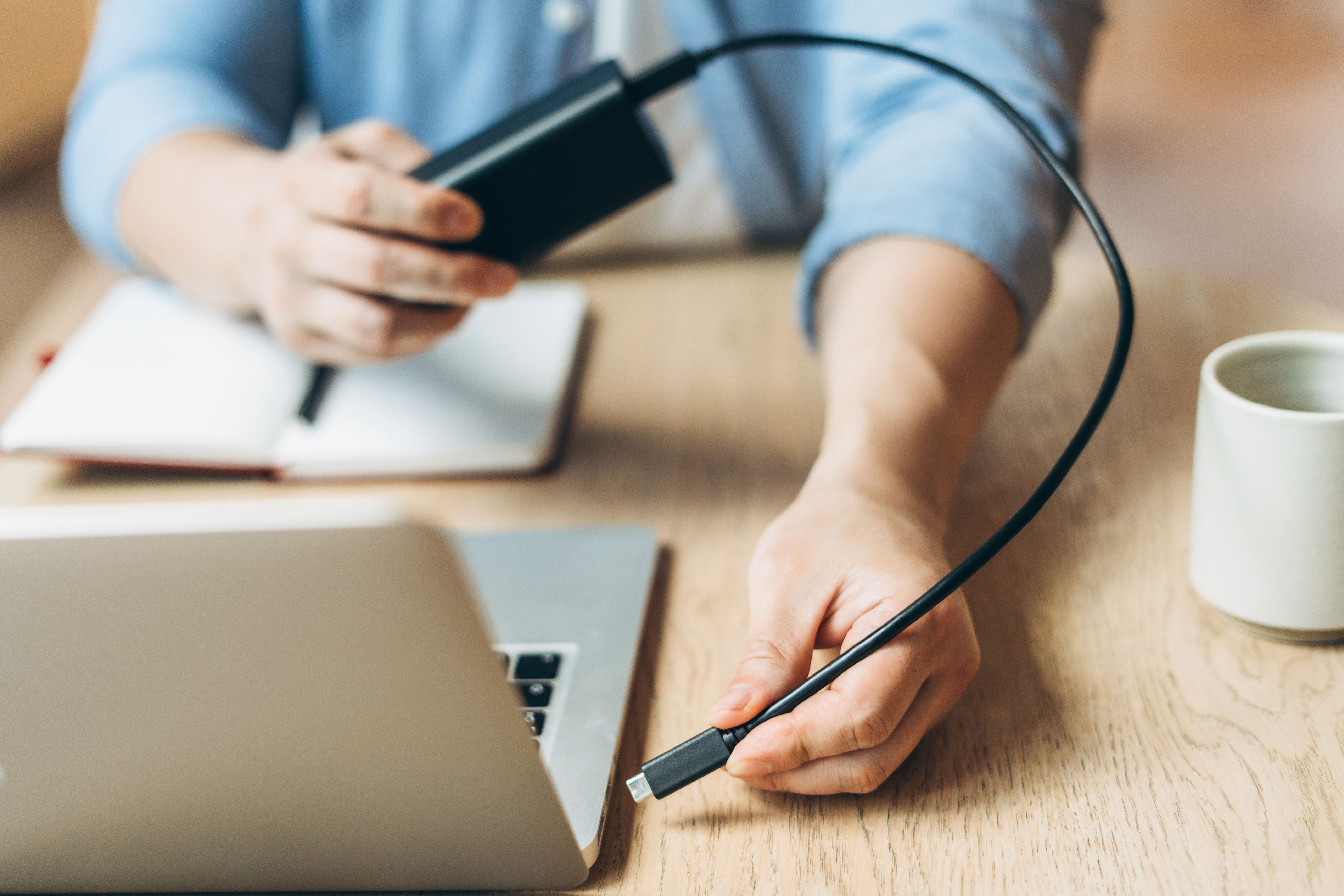
Proper battery care is essential for prolonging its life. Avoid letting your battery completely drain before recharging. Instead, aim to charge it when it hits around 20-30%. Also, keep your laptop cool, as excessive heat can damage the battery.
Power Settings
Adjusting your laptop’s power settings can also help conserve battery life. Consider using a power-saving mode when you're not performing demanding tasks, and remember to dim your screen when possible.
Data Backup
Regularly backing up your data is vital to prevent data loss. Use cloud services or external drives to create copies of your important files. This practice ensures that you can recover your data in case of a system failure or accidental deletion.
Organizing Files
Keeping your files organized can improve your laptop's performance. Periodically delete unnecessary files and applications to free up space and defragment your hard drive if necessary. A tidy system is a happy system.