
DIY Laptop Troubleshooting Tips from Panvel's Repair Experts


Understanding Common Laptop Issues
Laptops are essential tools in our daily lives, but they can sometimes run into problems. Whether it's a slow performance, overheating, or connectivity issues, knowing how to troubleshoot these problems can save you time and money. The experts from Panvel's Repair have shared some DIY tips to help you get your laptop back on track.
One of the most common issues is a slow-performing laptop. This can often be resolved by decluttering unnecessary files and programs. Regularly emptying the recycle bin and defragmenting your hard drive can also make a significant difference.
Dealing with Overheating
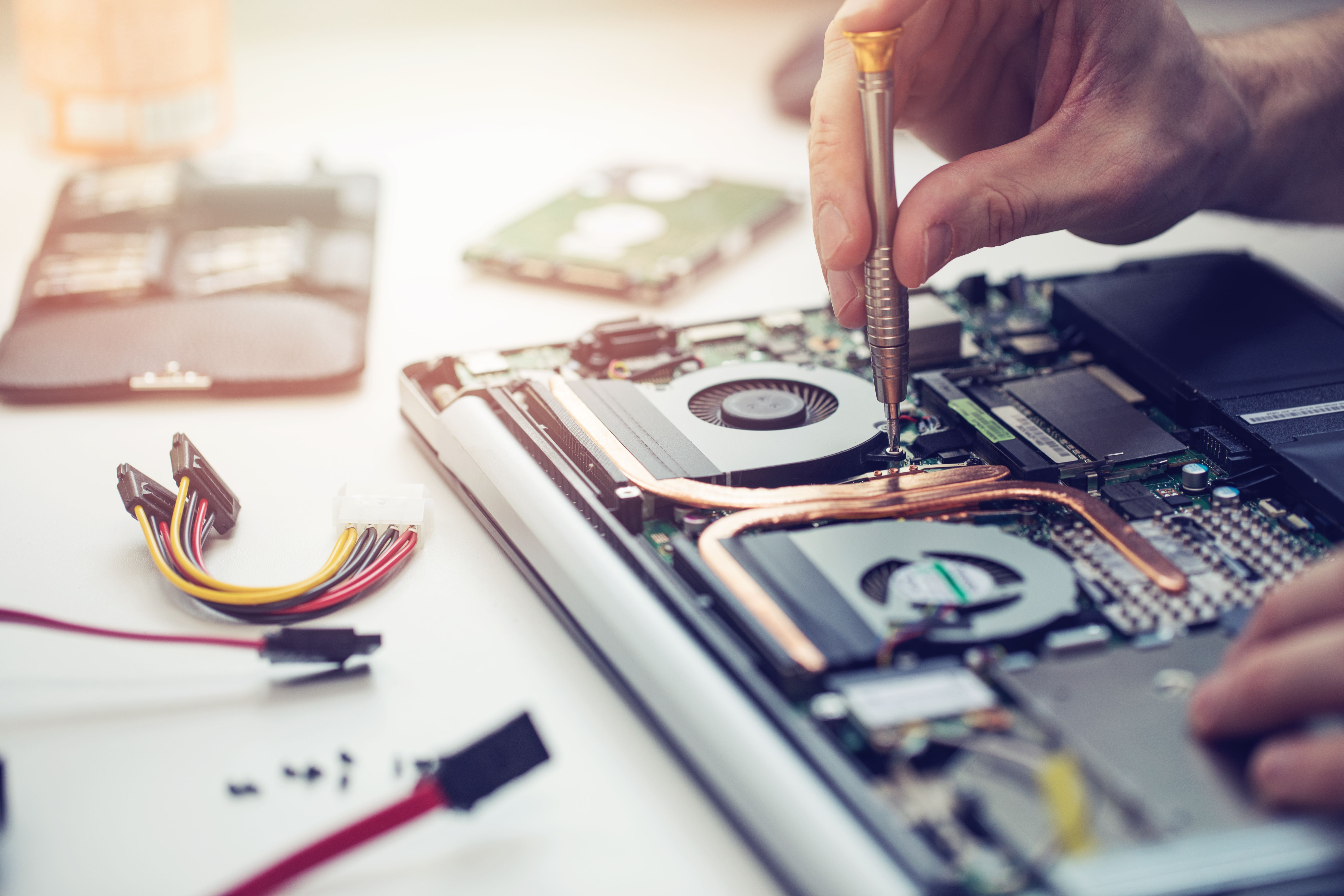
Overheating is a frequent problem that can lead to hardware damage. Ensure that the laptop's vents are not blocked and use it on a hard, flat surface to improve airflow. You might also consider investing in a cooling pad to help maintain an optimal temperature.
Regular cleaning is essential to prevent dust buildup inside the laptop. Use compressed air to clean out vents and fans, ensuring they work effectively to cool the device.
Checking and Replacing Thermal Paste
If overheating persists, the thermal paste between the CPU and heatsink might need replacing. This task requires some technical skill, so if you're not comfortable opening your laptop, it's best to consult a professional.
Solving Connectivity Problems
Connectivity issues, such as Wi-Fi not working, can often be resolved with a few simple steps. First, ensure that your laptop's Wi-Fi is turned on. Restarting the router and laptop can also refresh the connection.
If problems persist, updating your network drivers can help. Visit the manufacturer's website to download the latest drivers for your device.
Troubleshooting Bluetooth Issues
For Bluetooth problems, check that the device you're connecting to is compatible and nearby. Ensure that Bluetooth is enabled and try removing and re-pairing the device.

Battery and Charging Concerns
If your laptop isn't charging correctly, check the power adapter and cable for damage. Ensure that the charging port is free of debris and try a different outlet to rule out an electrical issue.
Battery life can degrade over time. If your laptop's battery is draining quickly, consider adjusting power settings or replacing the battery if it's old.
Optimizing Battery Life
To optimize battery life, reduce screen brightness, close unnecessary applications, and disable background processes that consume power. Regularly calibrating your battery can also help maintain its health.
By following these DIY troubleshooting tips from Panvel's Repair experts, you can address common laptop issues efficiently. However, if you encounter more complex problems, seeking professional assistance is always a wise choice.