
DIY Tips: How to Maintain Your Laptop for Optimal Performance


Keeping your laptop in top shape is essential for ensuring its longevity and performance. By incorporating some simple DIY maintenance tips, you can enhance the speed and efficiency of your device. Whether you're a tech novice or a seasoned pro, these tips will help you maintain your laptop with ease.
Regular Cleaning
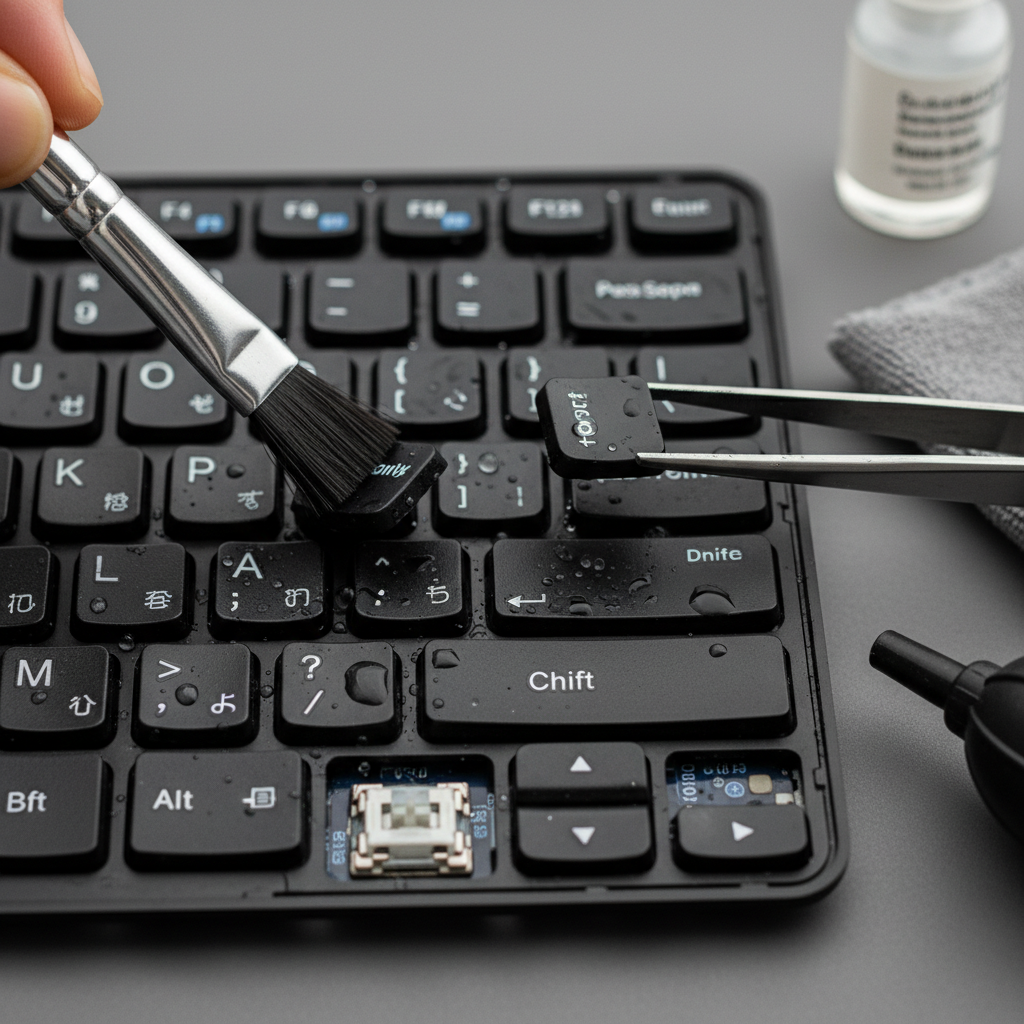
Dust and debris can accumulate in your laptop over time, affecting its performance. Regular cleaning is crucial to maintain optimal functionality. Use a soft, lint-free cloth to wipe the exterior surfaces. To clean the keyboard and screen, make sure to use a microfiber cloth to avoid scratches.
Internal Cleaning
To keep the internal components running smoothly, consider using compressed air to blow out dust from the vents and fans. This will prevent overheating and enhance the system's cooling efficiency. Be careful not to hold the can too close to the components to avoid moisture damage.
Software Updates
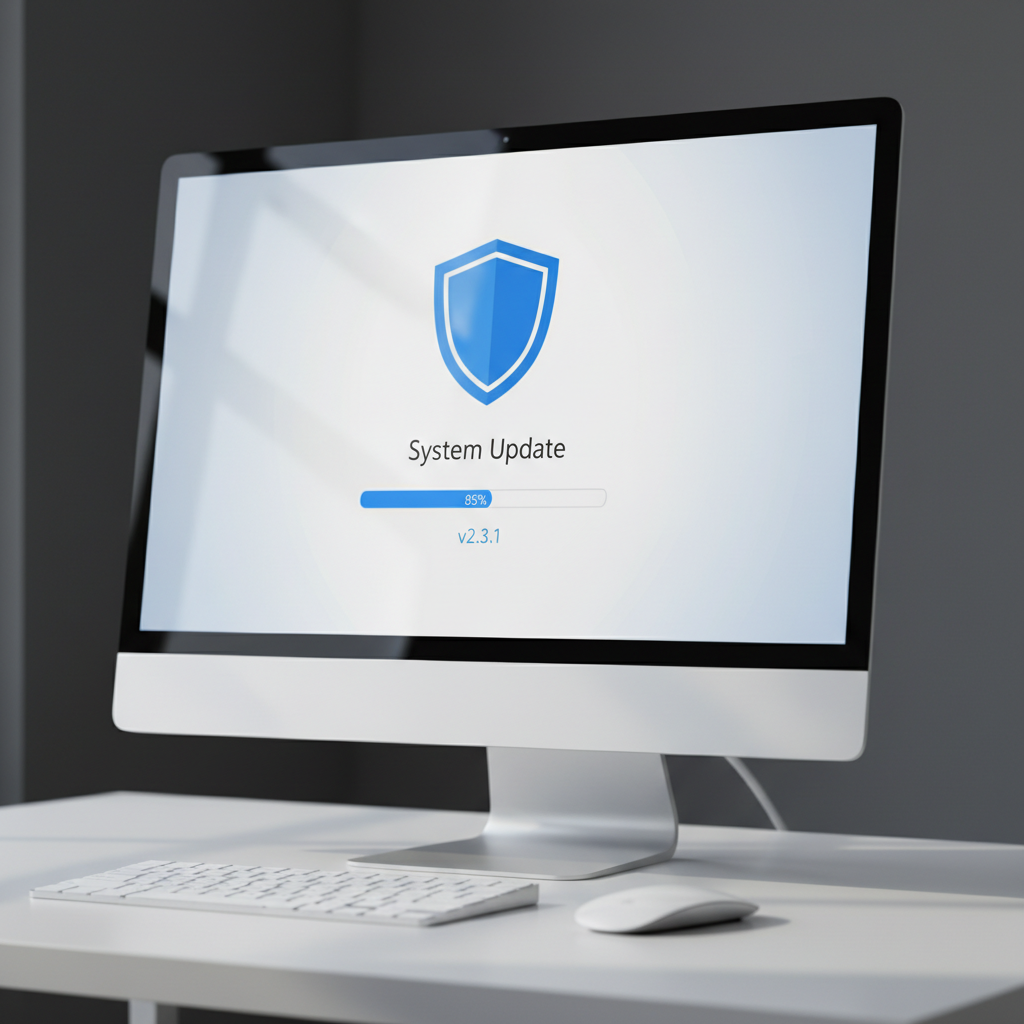
Keeping your software up-to-date is vital for optimal laptop performance. Software updates often include important security patches and performance enhancements. Ensure your operating system and applications are set to update automatically or check for updates regularly.
Uninstall Unnecessary Programs
Over time, your laptop may become cluttered with programs you no longer use. Regularly review your installed applications and uninstall those that are unnecessary. This will free up valuable system resources and improve your laptop's speed.
Battery Care
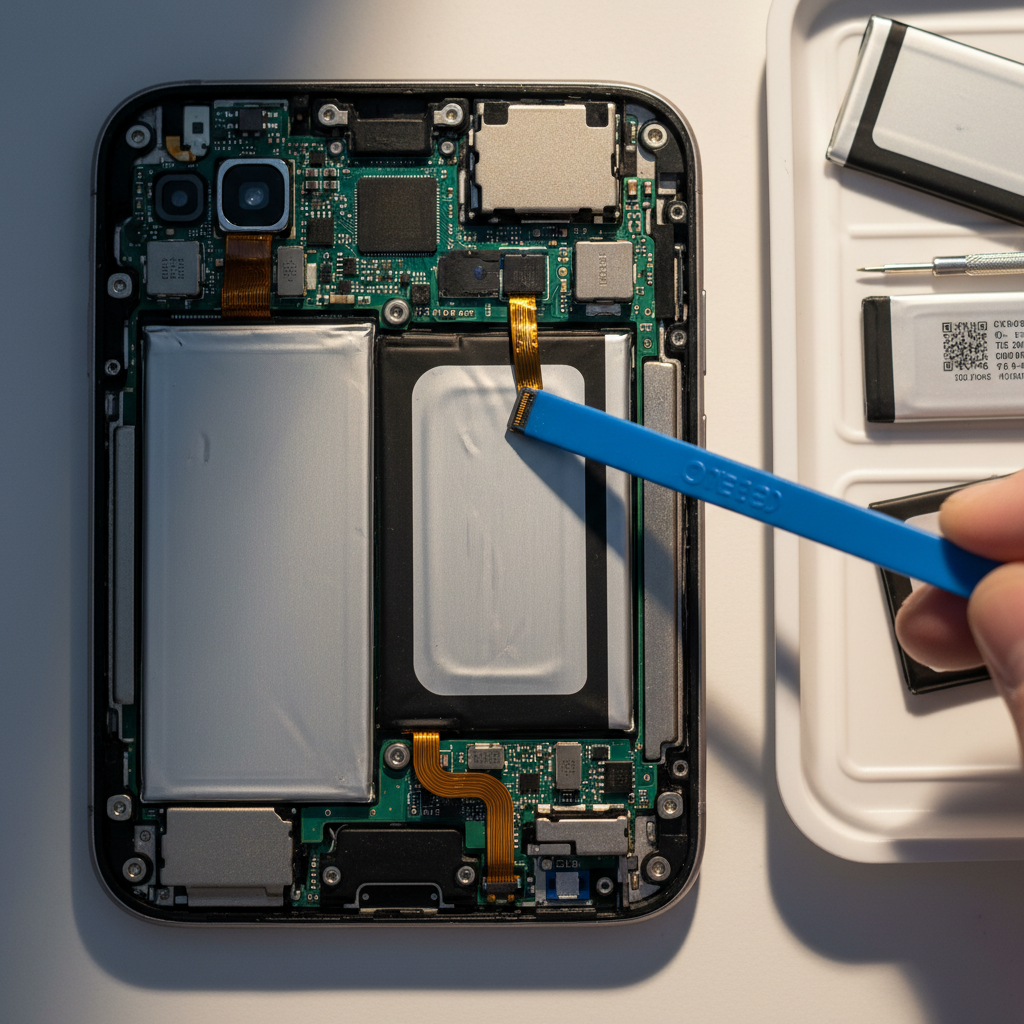
Your laptop's battery is crucial for portability and performance. To extend its life, avoid letting the battery discharge completely. Instead, try to keep the charge between 20% and 80%. Additionally, consider using your laptop on battery power occasionally to ensure the battery remains healthy.
Power Management Settings
Adjusting your power management settings can also help prolong battery life. Use settings that reduce screen brightness and limit background processes. This not only conserves energy but also improves overall performance.
Data Backup
Regular data backup is essential to safeguard your important files. Use cloud services or an external hard drive to back up your data. This ensures that you can easily recover your files in case of hardware failure or accidental deletion.
Automate Backups
Consider setting up automated backups to save time and reduce the risk of data loss. Many operating systems and third-party applications offer options to schedule regular backups, ensuring your data is always protected.
By following these DIY maintenance tips, you can keep your laptop running smoothly and efficiently. Regular care and attention will not only enhance performance but also extend the lifespan of your device. Happy computing!