
DIY Tips for Laptop Screen Replacement: When to Call a Professional


Understanding Laptop Screen Replacement
Replacing a laptop screen can seem like a daunting task, but with the right tools and guidance, it’s possible to perform this repair yourself. In this guide, we’ll explore some essential DIY tips for laptop screen replacement and help you decide when it might be best to call in a professional.
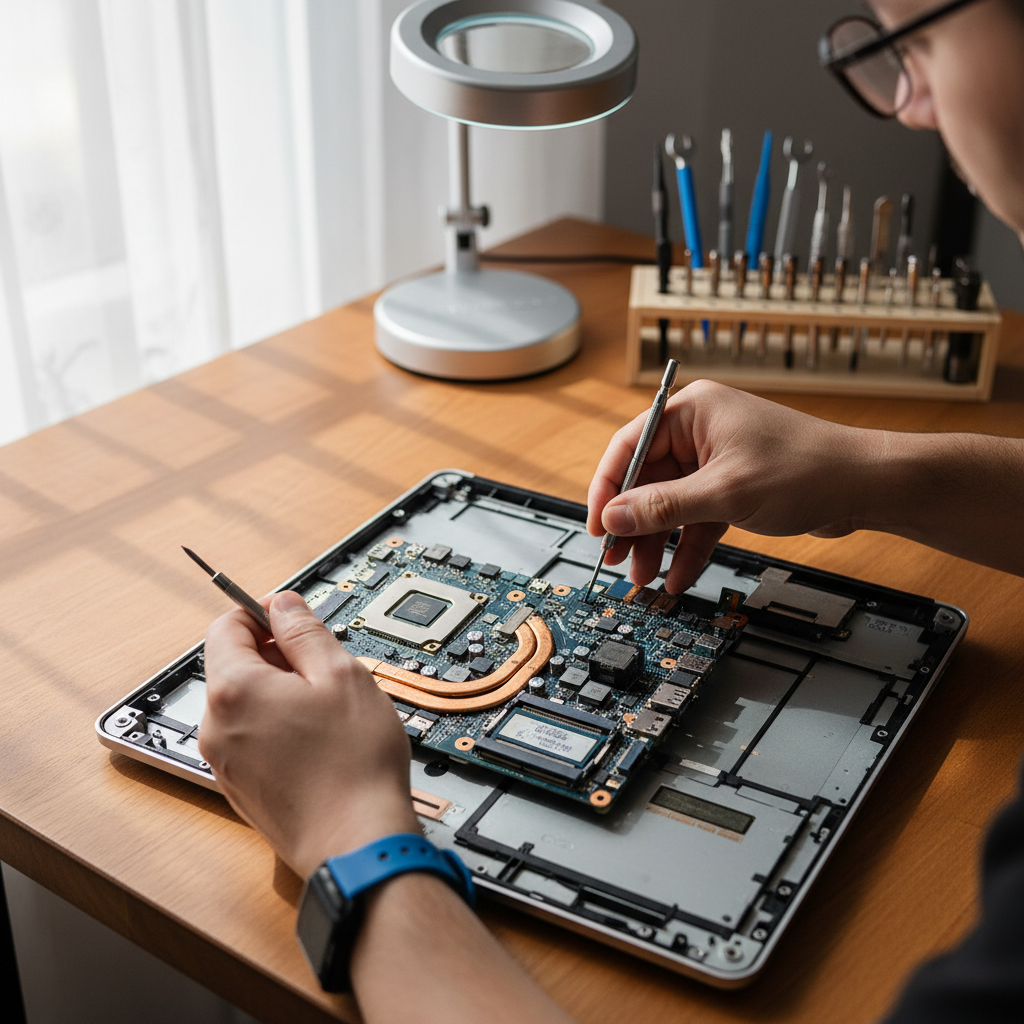
Gathering the Right Tools
Before you begin, make sure you have all the necessary tools. Typically, you will need a small screwdriver set, a plastic spudger, and a clean, static-free workspace. It’s also crucial to have a compatible replacement screen on hand. Understanding the specific model and type of your laptop will ensure that you purchase the correct screen.
Additionally, having an organizational system for screws and small parts can be incredibly helpful. Using labeled containers or a magnetic mat can prevent any mix-ups during reassembly.
Step-by-Step Replacement Process
Follow these general steps to replace your laptop screen:
- Power off the laptop and disconnect it from any power source.
- Remove the battery if possible, to avoid any electrical issues.
- Carefully remove the bezel around the screen using the spudger.
- Unscrew the broken screen and disconnect the video cable.
- Connect the new screen and secure it in place.
- Reassemble the bezel and reattach the battery.

When to Call a Professional
Complex Repairs and Safety Concerns
While DIY repairs can be satisfying, there are times when it’s best to seek professional help. If your laptop has additional issues, such as damage to the hinge or motherboard, it might be more complex than a simple screen replacement. In such cases, a professional repair service can ensure that all components are correctly handled and any additional repairs are made.
Safety is another reason to consider professional help. If you’re uncomfortable with electronics or unsure about the process, hiring a professional can prevent accidental damage to your device.

Warranty and Cost Considerations
If your laptop is still under warranty, attempting a DIY repair might void it. Always check the warranty terms before proceeding with any self-repairs. In some cases, the cost of a professional repair might be covered, making it a more attractive option.
Consider the cost of the replacement screen and tools against the professional repair service fee. Sometimes, the difference might be minimal, and the assurance of a properly repaired device is worth the extra expense.
Conclusion
Replacing a laptop screen can be a rewarding DIY project, but it requires careful consideration of your skills and the complexity of the repair. By following the tips provided, you can assess whether to tackle the repair yourself or consult a professional. Whichever route you choose, ensuring your laptop is in top condition will keep it running smoothly for years to come.