
Expert Advice on Preventing Laptop Overheating in Maharashtra’s Climate


Understanding the Challenge
Laptops are essential tools in today's digital age, yet they often face issues like overheating, especially in regions with warm climates like Maharashtra. Overheating can lead to performance issues and even long-term damage. Understanding how to maintain your laptop's temperature is crucial to ensuring its longevity and efficiency.
Why Do Laptops Overheat?
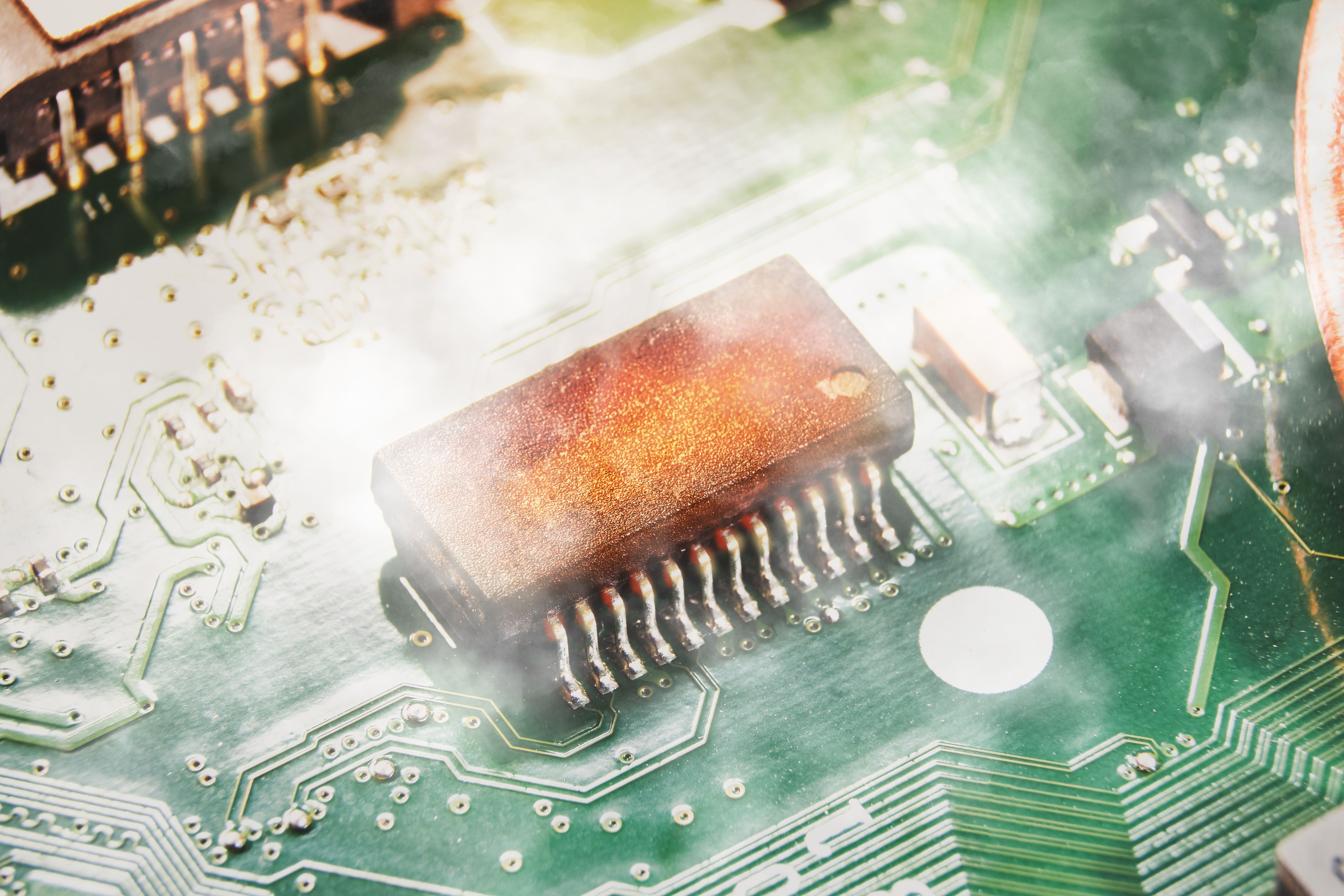
Overheating can be attributed to several factors. Firstly, inadequate ventilation is a common issue. Many users place laptops on soft surfaces like beds or couches, blocking airflow. Additionally, dust accumulation inside the laptop can hinder cooling mechanisms. The ambient temperature in Maharashtra can exacerbate these issues, making overheating a common problem.
Impact of Overheating
When a laptop overheats, its components can suffer. The most immediate effect is a decrease in performance, as the CPU and GPU throttle down to reduce heat output. Over time, persistent overheating can damage internal components, leading to costly repairs or replacements.
Preventive Measures
Preventing overheating involves a combination of good practices and regular maintenance. Here are some strategies to keep your laptop cool:
- Use a Cooling Pad: A cooling pad provides additional airflow and helps dissipate heat more effectively.
- Maintain a Clean Environment: Regularly clean the vents and fan areas to prevent dust build-up.
- Proper Placement: Always use your laptop on hard, flat surfaces to ensure proper ventilation.
Software Solutions
Besides physical measures, software solutions can also help manage heat. Installing software to monitor temperature and control fan speeds can be beneficial. Programs like HWMonitor and SpeedFan offer insights into your laptop's temperature and fan performance.

Regular Maintenance
Regular maintenance is crucial. Consider getting your laptop serviced every 6 to 12 months, especially if you use it extensively. A professional can clean the internal components and reapply thermal paste to the CPU and GPU, which can significantly improve heat management.
Stay Updated
Keeping your laptop's software updated can also prevent overheating. Manufacturers often release updates to improve system efficiency and heat management. Ensure your operating system and drivers are always up to date.
Conclusion
In Maharashtra’s warm climate, taking proactive steps to prevent laptop overheating is essential. By combining good usage habits, regular maintenance, and utilizing technology, you can keep your laptop running smoothly and efficiently. Protect your investment and enhance your productivity by keeping these expert tips in mind.