
Expert Insights: Common Laptop Issues and How to Fix Them


Understanding Laptop Performance Issues
Laptops have become an essential part of our daily lives, yet they often encounter performance issues that can hinder productivity. Common problems include slow performance, overheating, and short battery life. Understanding these issues and knowing how to fix them can save you time and frustration.

Slow Performance
A slow laptop can be incredibly frustrating, but it's often due to a few common factors. First, check for unnecessary programs running in the background. These can consume valuable resources, slowing down your device. To resolve this, open your task manager and close any programs you don't need.
Another cause of slow performance is a cluttered hard drive. Regularly cleaning up files and uninstalling unused applications can help. Consider using disk cleanup tools to streamline this process. Additionally, upgrading your RAM can provide a significant boost in speed if your laptop supports it.
Overheating Problems
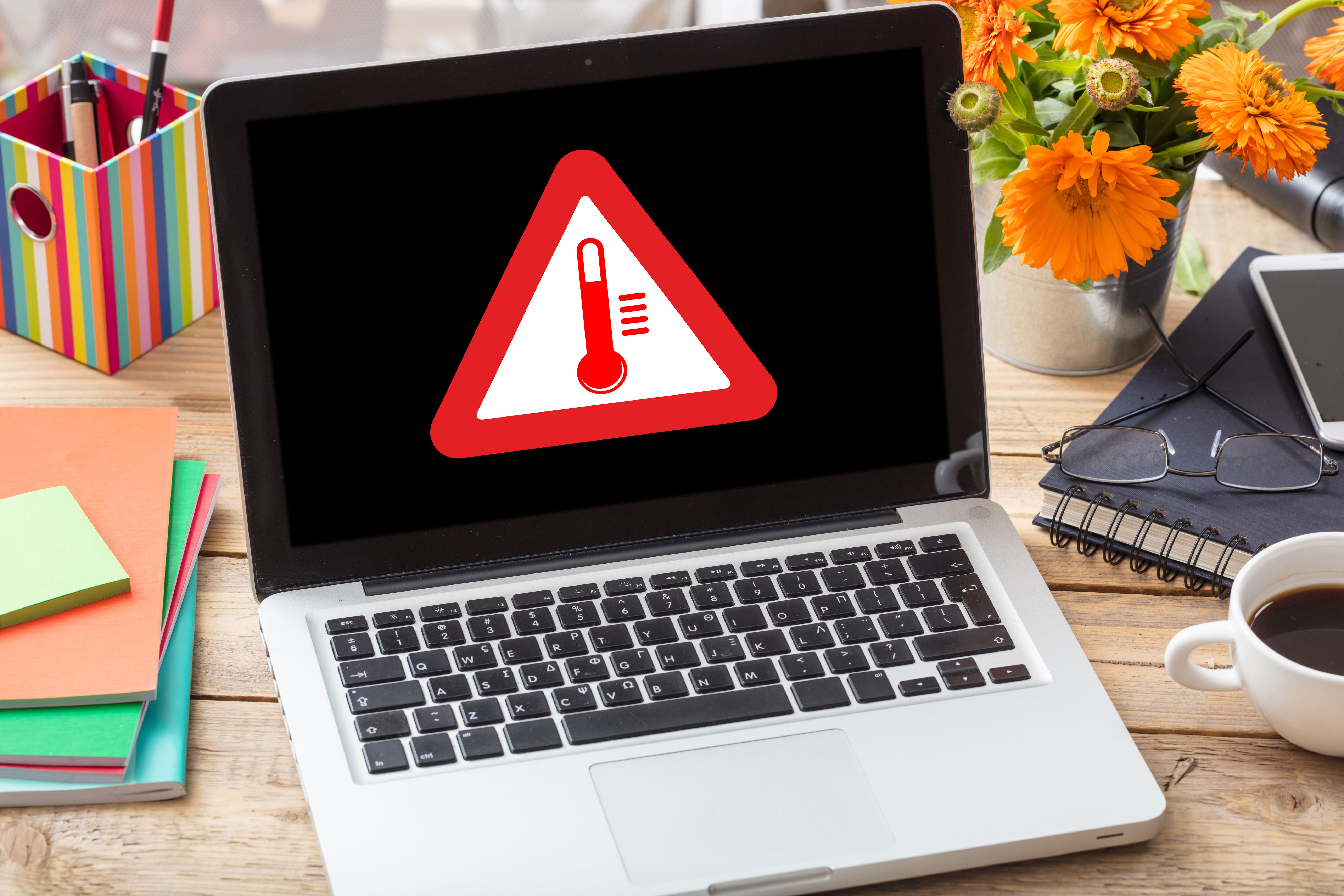
Overheating is a common issue that can lead to hardware damage. It often occurs when laptops are used on soft surfaces, blocking ventilation. To prevent this, always use your laptop on a hard, flat surface.
Dust and Dirt
Dust accumulation inside the laptop can also cause overheating. Regularly clean the vents and fans using compressed air to remove dust and dirt. If the problem persists, consider using a cooling pad to help maintain a safe temperature.
Battery Life Issues
Short battery life is another frequent complaint among laptop users. To extend battery life, adjust your power settings to a more energy-efficient mode. Reduce screen brightness and disable Bluetooth and Wi-Fi when not in use.

Battery Replacement
If your battery is still not performing well after adjustments, it might be time for a replacement. Batteries typically lose efficiency over time, and replacing them can restore your laptop's longevity.
Regular maintenance and being aware of your laptop's common issues can drastically improve its performance and lifespan. By following these expert insights, you can tackle everyday problems with ease and keep your device running smoothly.