
How to Handle a Cracked Laptop Screen: DIY vs. Professional Replacement


Understanding the Problem
Discovering a cracked laptop screen can be frustrating, especially if you rely on your device for work or personal use. The question then becomes whether to attempt a DIY repair or seek professional assistance. Each option has its own set of advantages and considerations.
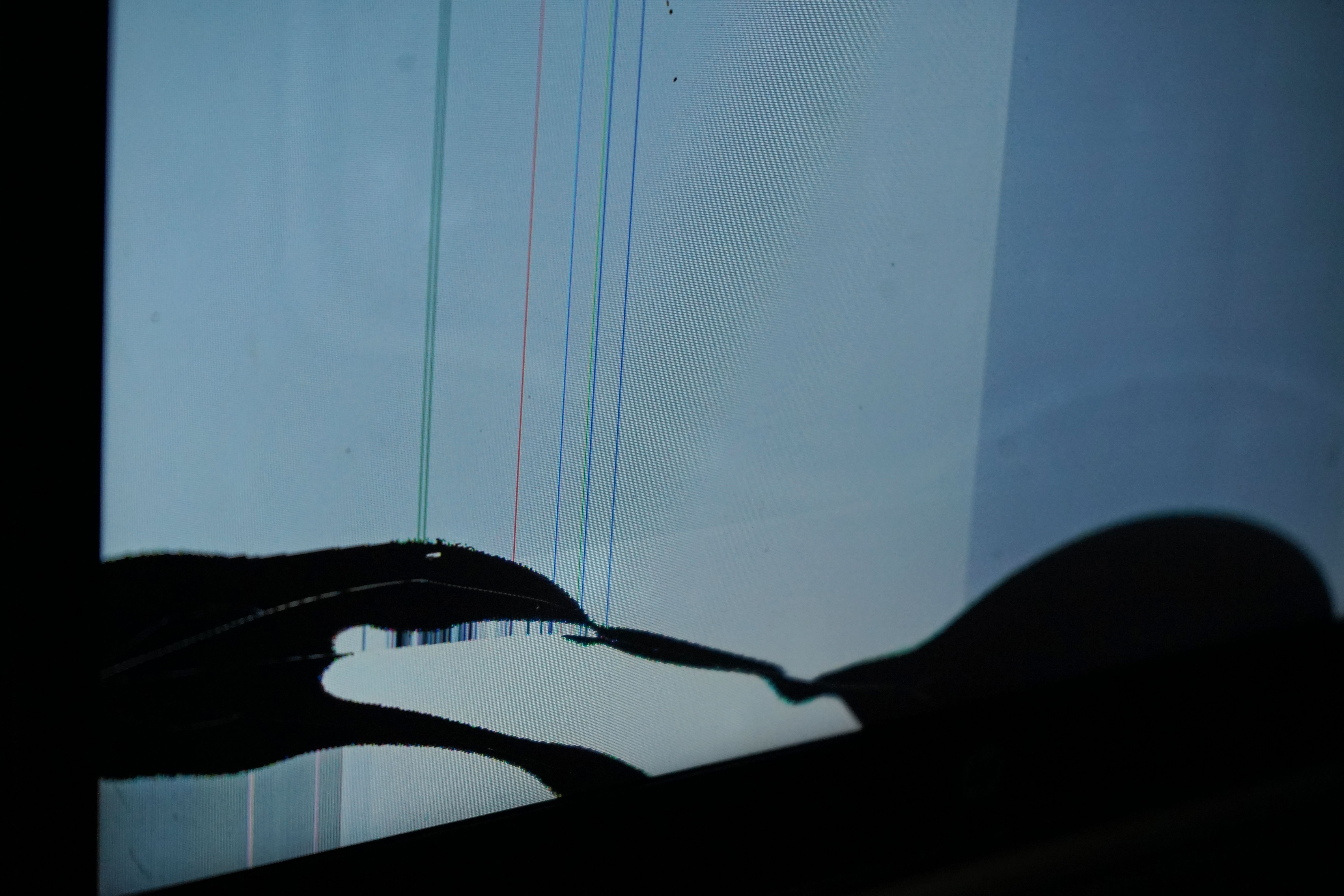
DIY Replacement: What You Need to Know
A DIY approach to replacing a laptop screen can be cost-effective but requires certain skills and tools. Before proceeding, consider the type of laptop you have, as some models are easier to work with than others. Ensure you have a suitable replacement screen and tools like screwdrivers and a plastic spudger.
Here’s a basic outline of the DIY process:
- Power off and unplug the laptop.
- Remove the battery if possible.
- Carefully detach the bezel and unscrew the broken screen.
- Disconnect the video cable and connect the new screen.
- Reassemble and test the new screen.
Potential Risks of DIY Repairs
While DIY repairs can save money, they also come with risks. You may accidentally damage other components, such as the motherboard or cables. Additionally, if the laptop is under warranty, opening it up might void the warranty agreement. Consider these factors carefully before proceeding.

Professional Replacement: Benefits and Considerations
Opting for professional repair ensures that experienced technicians handle your laptop. They have the necessary expertise and tools to perform the replacement efficiently. Moreover, professional repairs often come with warranties, providing peace of mind if something goes wrong later.
However, professional services can be costly, especially if the screen is a high-end model. The repair might also take a few days, depending on the service provider’s schedule and parts availability.
Cost Comparison: DIY vs. Professional
Cost is a significant factor in deciding between DIY and professional repair. DIY repairs generally cost less, primarily the price of the replacement screen and tools if you don’t already own them. Professional repairs, on the other hand, include labor costs and potential markup on parts.

Making the Right Decision
Ultimately, the decision between DIY and professional replacement depends on your comfort level with electronics, the complexity of the repair, and your budget. If you feel confident in your ability to replace the screen and have the necessary tools, DIY might be the way to go.
However, if the risks seem too high or the laptop is essential to your daily routine, professional repair may be worth the investment. Always weigh the pros and cons before making your decision.
Conclusion
A cracked laptop screen doesn’t have to end in disaster. By understanding the options available, you can make an informed decision that best suits your needs and budget. Whether you choose DIY or professional repair, restoring your laptop to its full functionality is entirely possible.