
Laptop Maintenance Myths Debunked by Netcom Hardware Services


When it comes to laptop maintenance, there are countless myths and misconceptions that can lead to confusion and potentially harm your device. At Netcom Hardware Services, we aim to set the record straight by debunking some of the most common myths surrounding laptop care.
Myth 1: You Should Always Keep Your Laptop Plugged In
Many believe that keeping a laptop constantly plugged in will prolong its battery life. However, this is a misconception. Overcharging can actually reduce battery lifespan. It's best to allow your battery to discharge occasionally and not keep it plugged in all the time.

Most modern laptops are designed to handle being plugged in for long periods, but it's still a good idea to unplug occasionally and let the battery cycle.
Myth 2: Regularly Defragmenting Your Hard Drive is Necessary
Defragmenting was essential for older hard drives, but for modern laptops equipped with SSDs (Solid State Drives), it's unnecessary. SSDs access data differently, and defragmenting can actually wear them down.
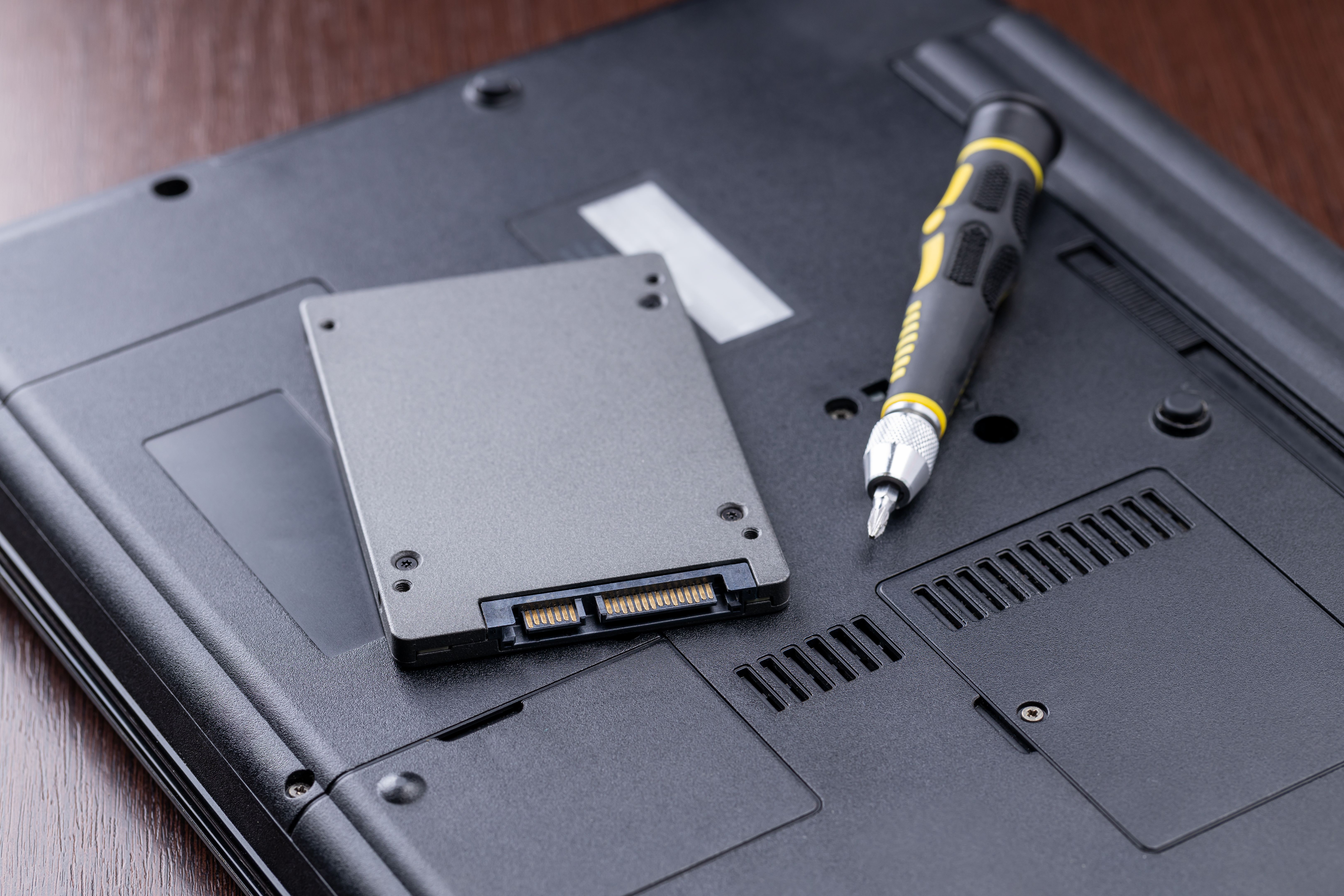
If your laptop uses an SSD, focus on other maintenance practices like keeping your software updated and managing storage space effectively.
Myth 3: Third-Party Antivirus Software is Always Necessary
While antivirus software is important, many laptops come with built-in protection tools. For example, Windows laptops often include Windows Defender, which provides robust protection without the need for additional software.
However, if you frequently download files or visit unknown websites, consider using additional security measures.
Myth 4: Cleaning the Screen with Household Cleaners is Safe
Using household cleaners on your laptop screen can cause damage. These products can be too harsh and lead to discoloration or scratches.
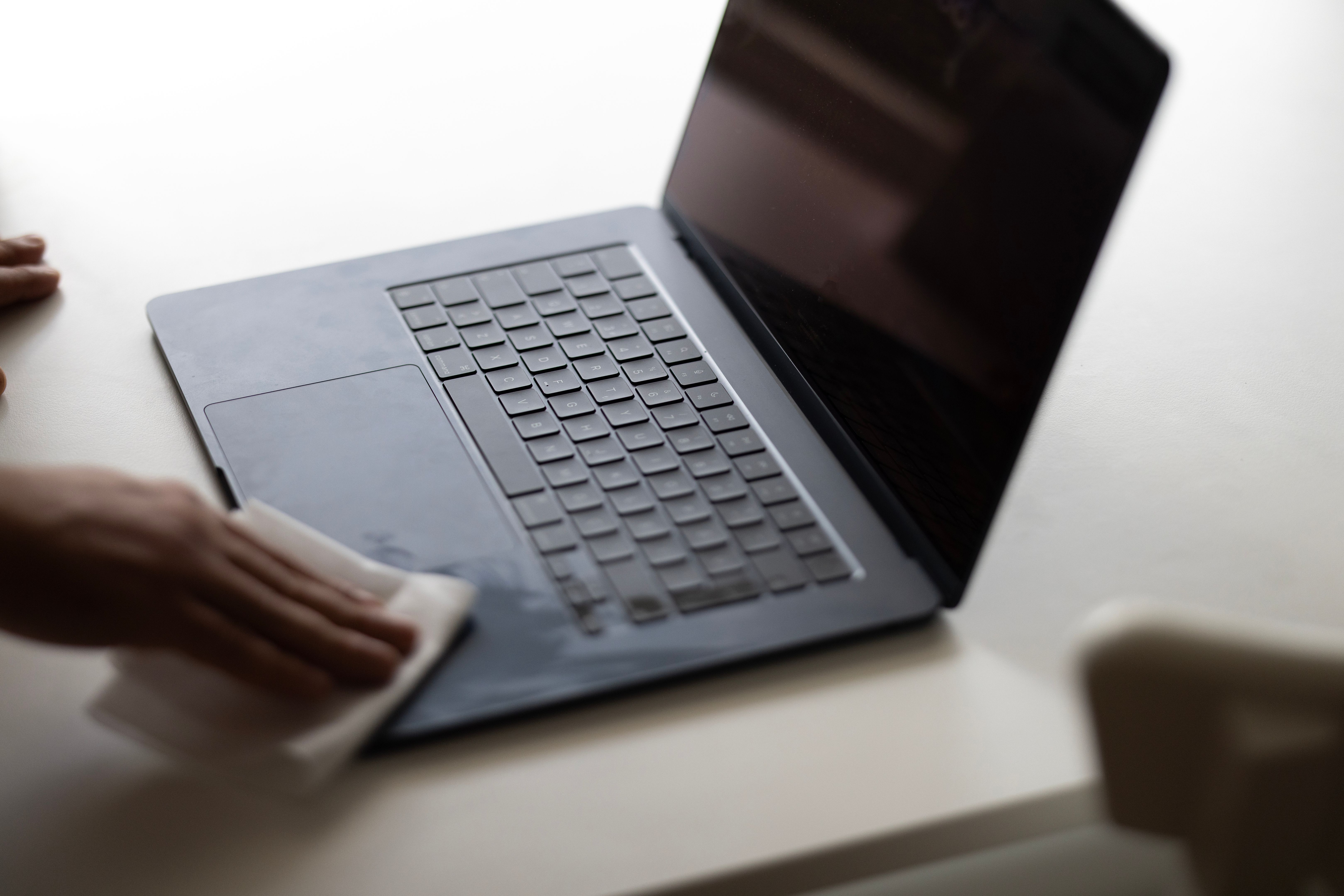
Instead, use a microfiber cloth and a solution specifically designed for electronics to gently clean your screen.
Myth 5: Closing the Laptop Lid Puts it to Sleep
While closing the lid usually puts the laptop into sleep mode, this isn't always the case. Settings can vary, and sometimes closing the lid can shut down the laptop, affecting your work.
Check your laptop's power settings to understand what happens when you close the lid, and adjust them according to your preference.
Final Thoughts
Understanding the truth behind these myths can help you maintain your laptop more effectively, extending its life and improving its performance. At Netcom Hardware Services, we're committed to providing you with the best advice and support for all your hardware needs.

Remember, a well-maintained laptop is a reliable tool, and avoiding these common myths is a great first step towards achieving that.