
Network Setup and Troubleshooting in Panvel: A Comprehensive Guide


Setting up and troubleshooting a network in Panvel can seem daunting, but with the right guidance, it becomes a manageable task. Whether you're setting up a new network for your home or business, or dealing with connectivity issues, this guide will walk you through the essentials.
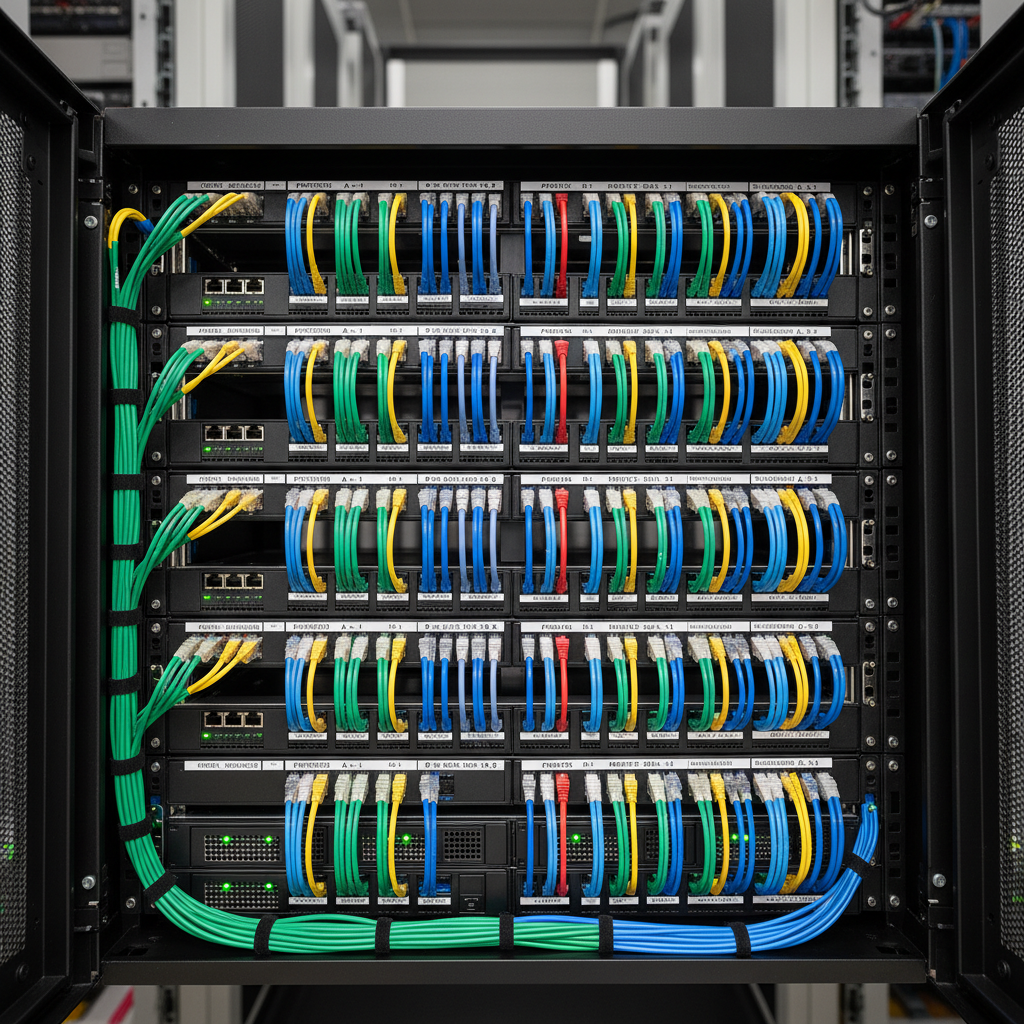
Understanding Your Network Needs
Before diving into the setup process, it's crucial to understand your specific network requirements. Consider the number of devices that will be connected, the type of activities (e.g., streaming, gaming, business operations), and the area coverage. These factors will influence the type of hardware and configuration you need.
For small homes, a basic router might suffice, but larger properties or businesses might require more advanced equipment like mesh networks or additional access points. Identifying your needs helps in choosing the right components.
Choosing the Right Equipment
Once you know your requirements, selecting the appropriate hardware is the next step. Key components include routers, modems, switches, and cables. Ensure the router supports the latest standards (e.g., Wi-Fi 6) for optimal performance and security.
Consider investing in a dual-band or tri-band router, especially if multiple high-demand devices will be connected simultaneously. This will help manage bandwidth effectively and reduce interference.
Setting Up Your Network
After gathering your equipment, it's time to set up your network. Start by connecting your modem to the router using an Ethernet cable. Ensure that the router is placed centrally to maximize coverage. Follow the manufacturer's instructions to access the router’s web interface, where you can configure settings like network name (SSID) and password.
For larger spaces, consider setting up a mesh network or additional access points to ensure consistent coverage. These devices help eliminate dead zones and provide seamless connectivity throughout the area.

Securing Your Network
Security is a crucial aspect of any network setup. Change the default login credentials of your router to prevent unauthorized access. Enable WPA3 encryption, if available, for enhanced security of your wireless network.
Regularly updating your router’s firmware is essential to protect against vulnerabilities. Consider setting up a guest network to keep visitors on a separate connection, further safeguarding your primary network.
Troubleshooting Common Network Issues
Despite careful setup, network issues can still arise. Common problems include slow speeds, intermittent connectivity, and devices not connecting. Start troubleshooting by restarting your modem and router. This can resolve many temporary glitches.

Advanced Troubleshooting Techniques
If basic troubleshooting doesn’t solve the issue, consider checking for interference from other electronic devices or neighboring networks. Adjusting the router’s channel settings can help reduce interference. Using a Wi-Fi analyzer app can provide insights into the optimal channel selection.
If problems persist, it might be time to consult with a professional network technician in Panvel. They can provide expert assistance to diagnose and resolve more complex issues.
Conclusion
Setting up and troubleshooting a network in Panvel need not be overwhelming. By understanding your needs, selecting the right equipment, and following best practices for setup and security, you can enjoy a reliable and efficient network. Remember, professional help is always available for more challenging issues, ensuring smooth connectivity for your home or business.