
Network Setup and Troubleshooting in Panvel: Common Issues and Solutions


Setting up and maintaining a reliable network is crucial for both businesses and homes in Panvel. Whether you're a tech enthusiast or a novice, understanding common network issues and their solutions can save you time and frustration. In this post, we explore some prevalent network problems and provide practical solutions to keep your connection running smoothly.

Network Setup Essentials
Before diving into troubleshooting, it's essential to ensure that your network is set up correctly. A well-configured network minimizes the risk of disruptions. Start by selecting the right equipment, such as routers and switches, that suit your needs. Position your router in a central location to maximize coverage and minimize dead zones.
Security is another critical aspect. Make sure to change the default login credentials of your router and enable WPA3 encryption to protect your network from unauthorized access. Regular firmware updates are also vital to safeguard against vulnerabilities.
Common Network Issues
Slow Internet Speeds
Experiencing slow internet speeds can be frustrating. This issue might be due to a variety of factors, including bandwidth congestion or outdated hardware. To diagnose this, start by running a speed test. Compare the results with your internet plan to determine if there's a significant discrepancy.
If speeds are slower than expected, try rebooting your router. If the problem persists, consider upgrading your equipment or contacting your ISP to ensure there are no service disruptions in your area.

Connectivity Drops
Connectivity drops can interrupt your workflow and cause a loss of productivity. This issue often arises from interference from other electronic devices or outdated firmware. Make sure your router is placed away from devices like microwaves and cordless phones.
Updating your router's firmware can resolve many connectivity issues. Access the router's settings through a web browser and check for available updates. Regular maintenance of your network equipment can prevent frequent disconnections.
Troubleshooting Network Problems
IP Address Conflicts
IP address conflicts can lead to network instability. When two devices on the same network are assigned the same IP address, connectivity issues can occur. To resolve this, restart your devices to automatically assign new IP addresses through DHCP.
- Access the router settings.
- Find the DHCP settings section.
- Ensure the DHCP range is sufficient for all connected devices.
Weak Wi-Fi Signal
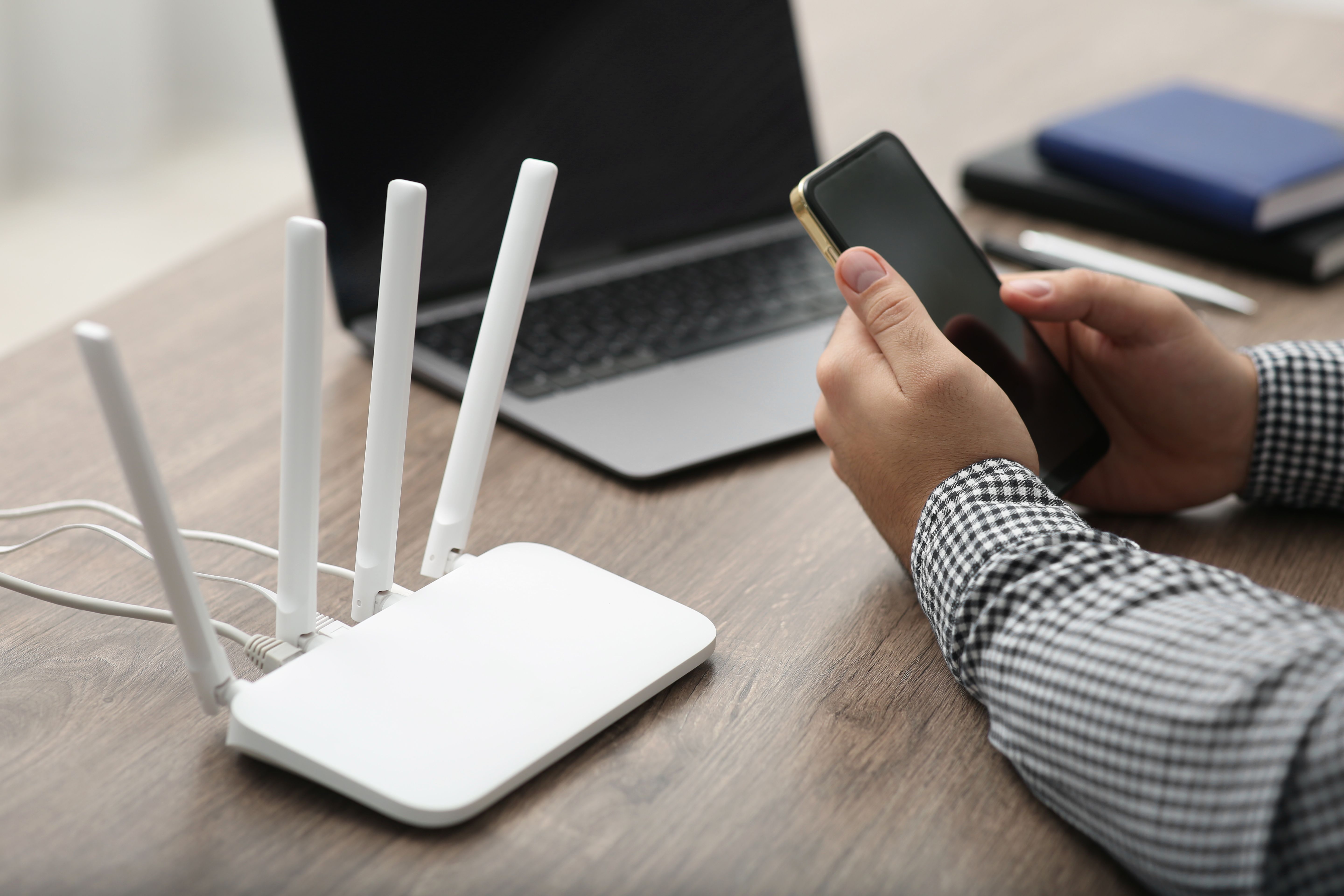
A weak Wi-Fi signal can limit your accessibility in certain areas of your home or office. To boost your signal, consider installing a Wi-Fi extender or mesh network system. These devices help expand coverage and eliminate dead zones.
Additionally, adjusting the router's antennas and changing the Wi-Fi channel can improve signal strength. Use a Wi-Fi analyzer app to identify the least congested channel in your area.
In conclusion, setting up and maintaining a stable network in Panvel requires attention to detail and regular monitoring. By understanding common issues and their solutions, you can ensure a reliable connection for all your online activities. Remember, investing in quality equipment and staying informed about network security can prevent many common problems.