
Preventive Maintenance for Laptops: Tips from Panvel's Experts


Understanding Preventive Maintenance
In today's fast-paced digital world, laptops have become an essential part of our daily lives. Whether for work, education, or entertainment, maintaining a laptop's performance is crucial. Preventive maintenance is the key to ensuring your device runs smoothly and efficiently. According to Panvel's experts, regular upkeep can significantly extend the lifespan of your laptop.
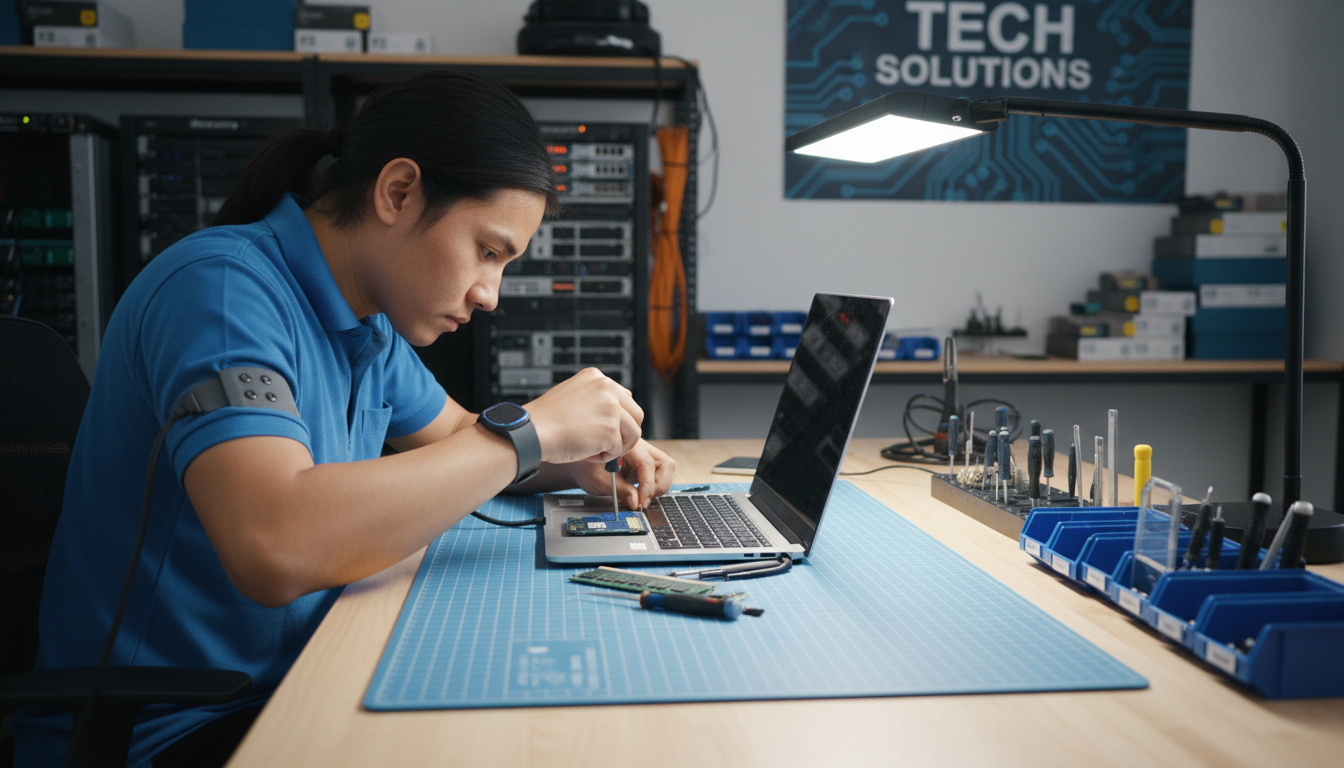
Regular Cleaning and Dusting
One of the simplest yet most effective preventive maintenance tasks is regular cleaning. Dust and debris can accumulate in the keyboard, vents, and ports, leading to overheating and hardware failure. Use a soft brush or compressed air to remove dust from the keyboard and vents. This helps in maintaining proper airflow and cooling.
Additionally, keep the screen clean by using a microfiber cloth. Avoid harsh chemicals as they can damage the screen's coating. A gentle swipe once a week can keep your display crystal clear.
Software Updates and Security
Keeping your laptop's software up to date is vital for both performance and security. Ensure that your operating system and applications are regularly updated to fix bugs and patch security vulnerabilities. Enable automatic updates to make this process hassle-free.
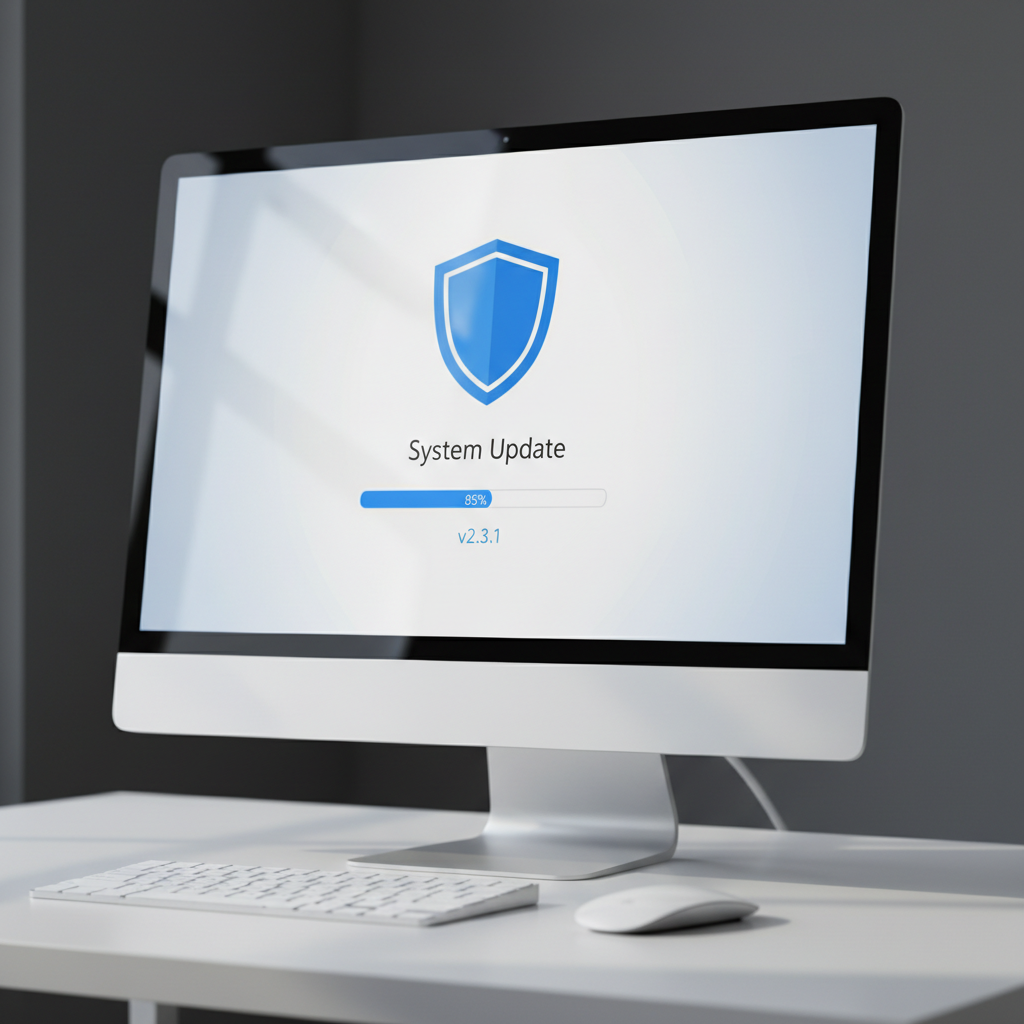
Installing a reliable antivirus program is also crucial. Regular scans can detect and neutralize threats before they cause harm. Consider using a firewall to add an extra layer of protection against cyber threats.
Battery Care and Management
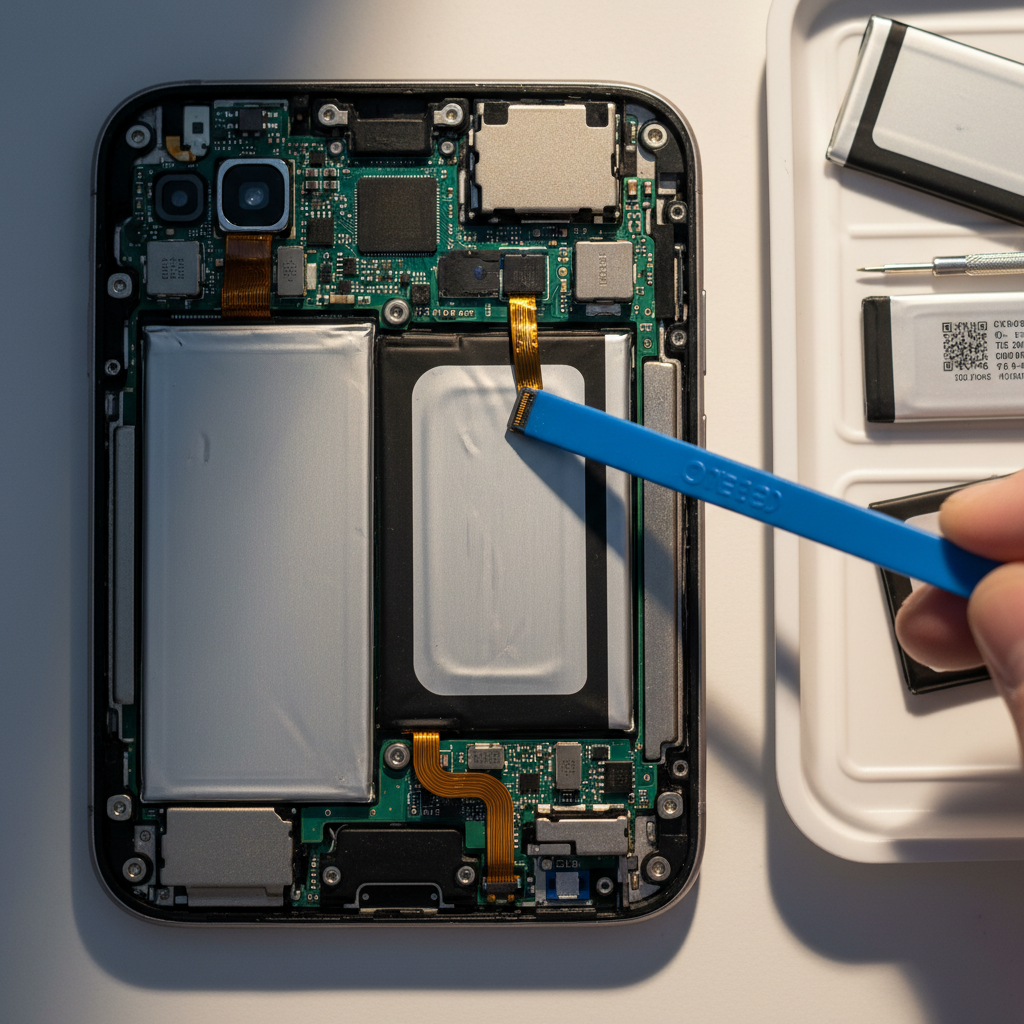
Proper battery management is essential for maintaining your laptop's mobility. Avoid letting the battery drain completely before recharging. Instead, aim to keep it between 20% to 80% for optimal health. If your laptop will be unused for an extended period, store it with a partial charge.
Heat is a major enemy of batteries. Ensure that your laptop's cooling system is functioning correctly and avoid using it on soft surfaces like beds or sofas that can block vents and lead to overheating.
Data Backup and Storage Maintenance
Backing up your data is a preventive measure that can save you from potential data loss. Use cloud services or external hard drives to regularly back up important files. This ensures that your data is safe even if hardware issues arise.
Keep an eye on your storage capacity as well. Running out of space can slow down your laptop. Regularly delete unnecessary files and uninstall unused applications to free up space and enhance performance.
Professional Check-Ups
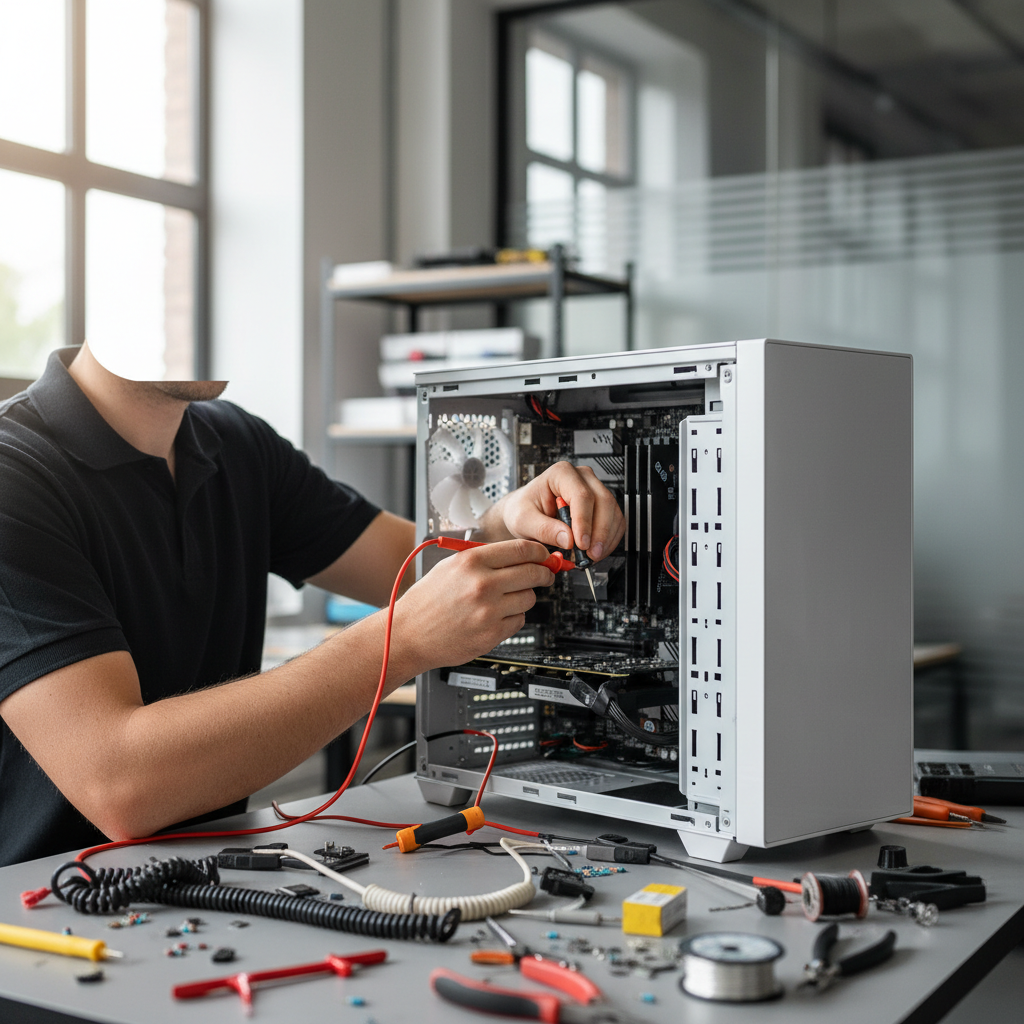
While regular self-maintenance is essential, professional check-ups can provide a comprehensive assessment of your laptop's health. Panvel's experts recommend an annual visit to a certified technician for a thorough inspection and cleaning. This can identify potential issues before they become serious problems.
In conclusion, preventive maintenance is a proactive approach to keeping your laptop in top condition. By following these expert tips from Panvel, you can ensure that your device remains reliable and efficient for years to come.