
Seasonal Laptop Care: Preparing Your Device for Monsoon in Maharashtra


Understanding the Monsoon Challenges
The monsoon season in Maharashtra brings a refreshing change, but it also poses significant challenges for electronic devices, especially laptops. The combination of high humidity and unexpected rain can wreak havoc on these essential tools. It's crucial to prepare your laptop to withstand these conditions and maintain its performance throughout the rainy months.
High humidity can lead to moisture accumulation in your laptop, which may cause internal components to corrode or short circuit. Additionally, unexpected water exposure from rain can result in irreversible damage. Therefore, understanding these risks is the first step in safeguarding your device.
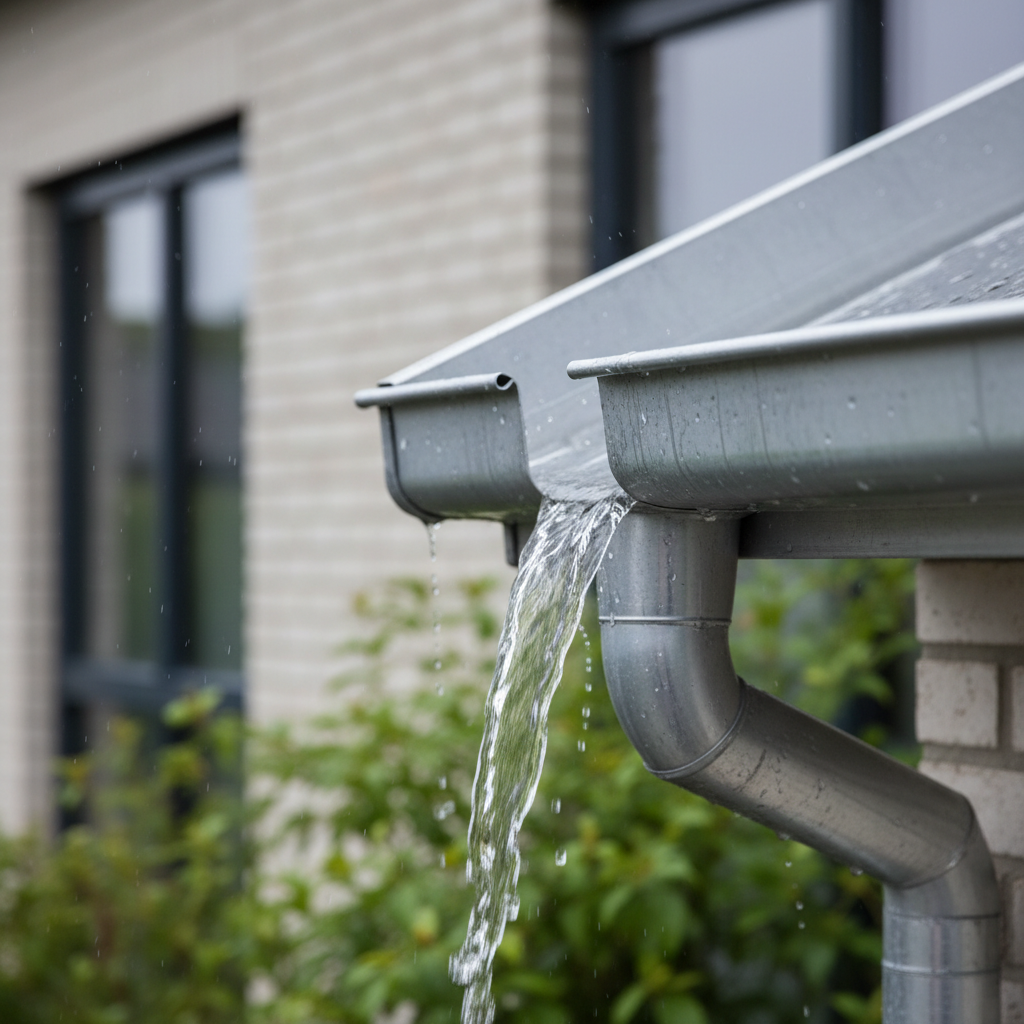
Protecting Your Laptop from Humidity
Humidity is a silent enemy during the monsoon. To combat this, use a dehumidifier in your workspace. This will help reduce the moisture levels in the air, providing a safer environment for your laptop. If a dehumidifier isn't an option, placing silica gel packets near your laptop can also help absorb excess moisture.
Another essential step is to ensure your laptop is stored in a dry, cool place when not in use. Avoid leaving it near windows or other areas exposed to outside elements. Keeping your laptop in a protective sleeve or case can also add an extra layer of defense against humidity.
Shielding Against Water Exposure
During the monsoon, water exposure is a constant threat. Invest in a waterproof laptop bag or cover to protect your device during commutes. This small investment can save you from costly repairs or replacements in the event of accidental exposure to rain.

If you do get caught in the rain, make sure to dry your laptop thoroughly before turning it on. Use a soft, absorbent cloth to remove any water droplets and allow it to air dry completely. Avoid using electric dryers, as the heat can damage sensitive components.
Maintaining Internal Health
Regular maintenance checks can keep your laptop running smoothly during the monsoon. Run antivirus software and perform system updates to ensure your device is protected from digital threats. Additionally, back up important data regularly to prevent loss in case of a technical failure.
- Perform regular software updates.
- Run antivirus scans frequently.
- Back up important data to an external drive or cloud storage.
Optimizing Performance in Humid Conditions
Humidity can affect your laptop's performance, causing it to overheat. Consider using a cooling pad to help regulate temperature and improve airflow. This can prevent overheating and prolong the lifespan of your device.

Finally, keep your laptop clean. Dust and grime can accumulate faster in humid conditions, leading to clogged vents and reduced efficiency. Use a soft brush or compressed air to clean the keyboard and vents regularly.
Conclusion: Being Proactive
By taking proactive steps, you can ensure your laptop remains in optimal condition throughout the monsoon season in Maharashtra. A combination of physical protection, regular maintenance, and performance optimization will help your device weather the storm.
Embrace these practices to enjoy uninterrupted productivity and safeguard your investment. With the right care, your laptop can continue to be your reliable companion, rain or shine.