
Seasonal Laptop Care: Preparing Your Device for Monsoon in Maharashtra


Understanding the Impact of Monsoon on Laptops
As the monsoon season approaches in Maharashtra, it's essential to recognize how increased humidity and rainfall can affect your electronic devices, especially laptops. Moisture and electronics do not mix well, and failing to prepare can lead to significant damage.
Laptops are particularly vulnerable to moisture, which can lead to issues like short circuits, corrosion, and mold growth. Preparing your device before the rains hit can save you from costly repairs or replacements.

Essential Protective Measures
Invest in a Waterproof Laptop Bag
One of the first steps to protect your laptop during the monsoon is to invest in a high-quality, waterproof laptop bag. This will ensure your device stays dry while you're on the move. Look for bags with sealed zippers and water-resistant materials.
Use a Dry Cloth Regularly
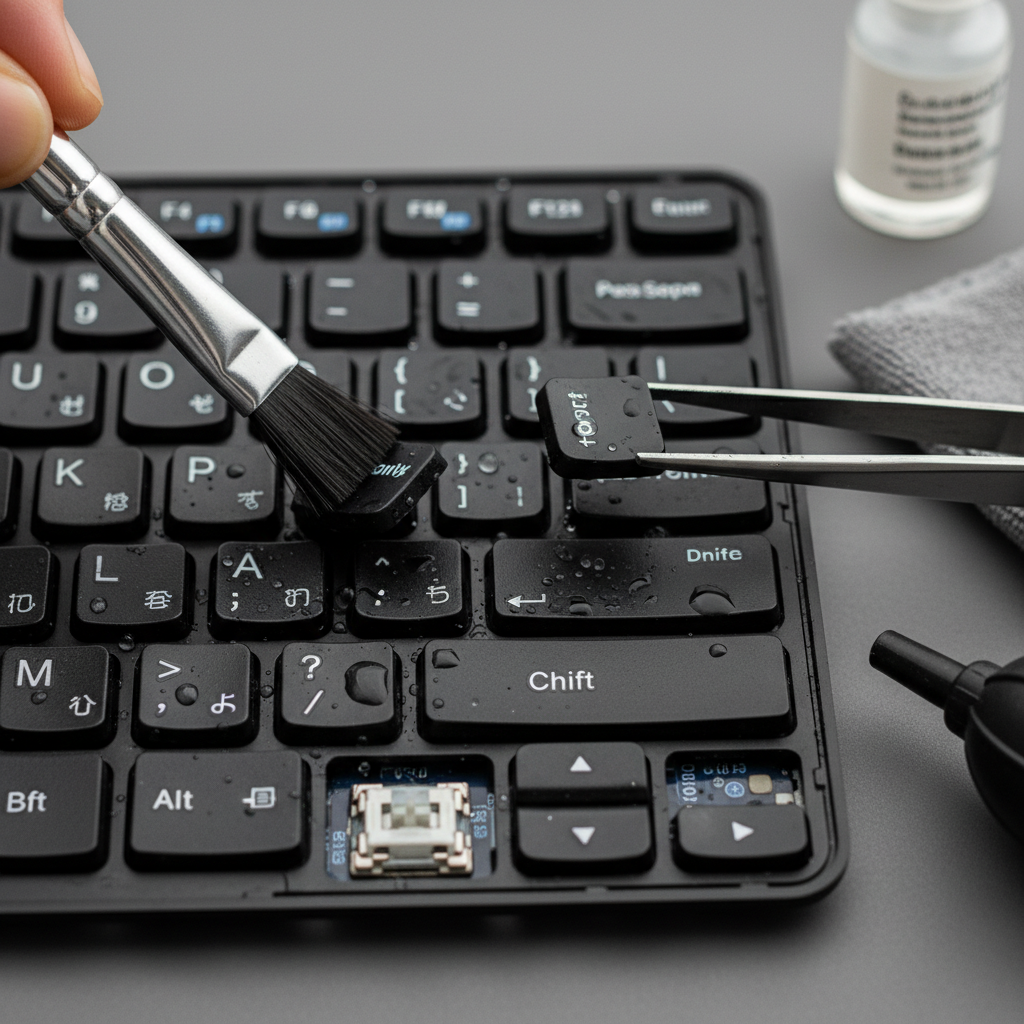
Make it a habit to wipe your laptop with a dry, soft cloth regularly. This helps remove any moisture that might accumulate on the surface and prevents it from seeping into the internal components.
Maintaining Optimal Performance
Regularly Check for Moisture
During the monsoon, it's crucial to routinely check your laptop for any signs of moisture. Pay special attention to ports and joints where water might seep through. If you notice any condensation, turn off the device immediately and dry it thoroughly.
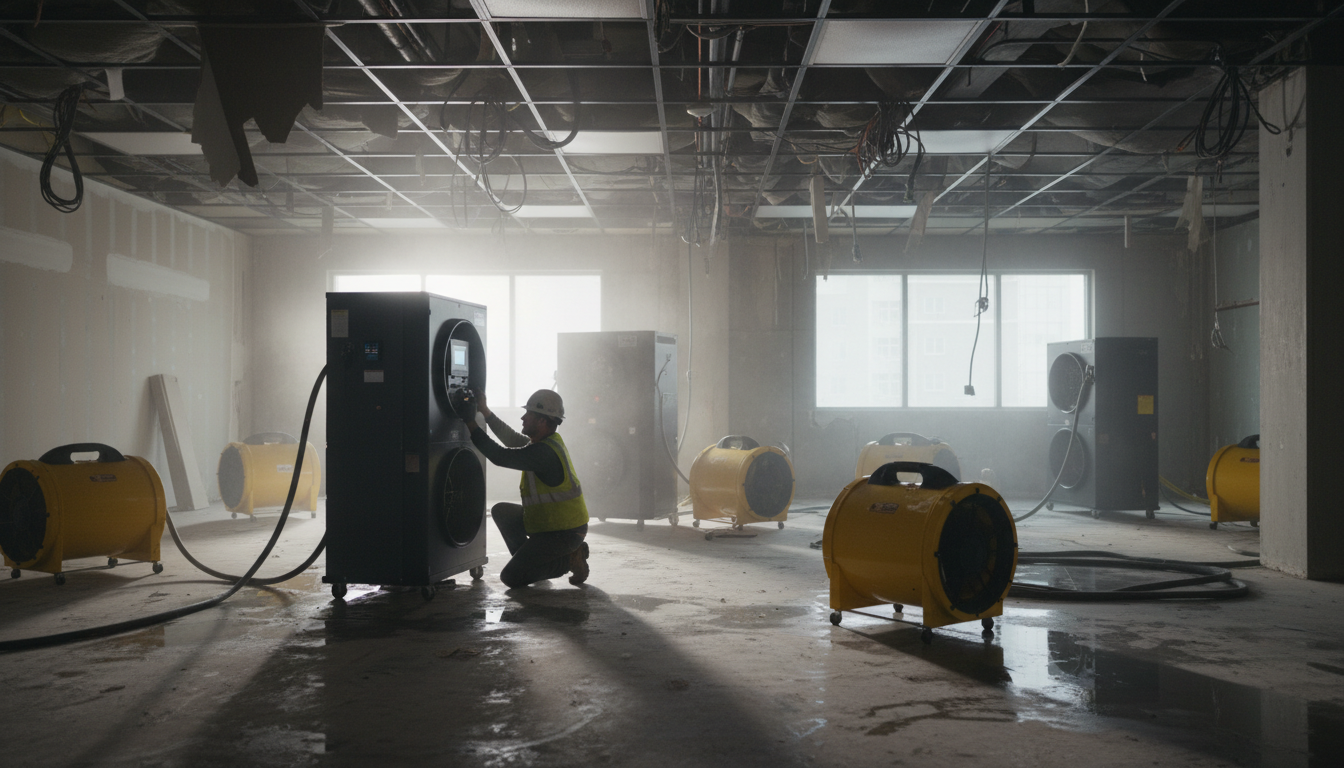
Use a Dehumidifier
Consider using a dehumidifier in the room where you frequently use your laptop. This can help reduce the overall moisture in the air, providing a safer environment for your electronic devices.
Additional Tips for Laptop Care
Backup Your Data
Backing up your data is always a good practice, but it's even more critical during the monsoon. In case of any damage, having your data backed up ensures that you won't lose important files.
Avoid Using on Soft Surfaces
Using your laptop on soft surfaces, like beds or pillows, can block vents and cause overheating. During the monsoon, it's even more important to ensure proper ventilation to prevent any additional heat-related issues.
- Keep your laptop elevated to avoid any accidental water contact.
- Use a silicon keyboard cover to prevent moisture from seeping in.
- Regularly update your operating system to ensure optimal performance.
Conclusion
By taking these proactive measures, you can ensure your laptop remains safe and functional throughout the monsoon season in Maharashtra. Protecting your device from moisture and maintaining it properly will help you avoid potential damage and keep your laptop running smoothly.