
Seasonal Laptop Maintenance Tips for Monsoon Season in Maharashtra


Understanding the Impact of Monsoon on Laptops
The monsoon season in Maharashtra is known for its heavy rainfall and high humidity levels. While this weather is a refreshing change, it can pose significant risks to electronic devices, especially laptops. Moisture can seep into the internal components, leading to potential damage or malfunction.

To ensure your laptop remains in pristine condition throughout the monsoon, it's crucial to adopt specific maintenance practices. Taking proactive measures can help avoid costly repairs and ensure smooth operation during this wet season.
Protecting Your Laptop from Moisture
Use a Waterproof Laptop Bag
Investing in a high-quality waterproof laptop bag is a simple yet effective step. These bags are designed to shield your device from rain and humidity, preventing water ingress that could damage sensitive components.
Maintain a Dry Environment
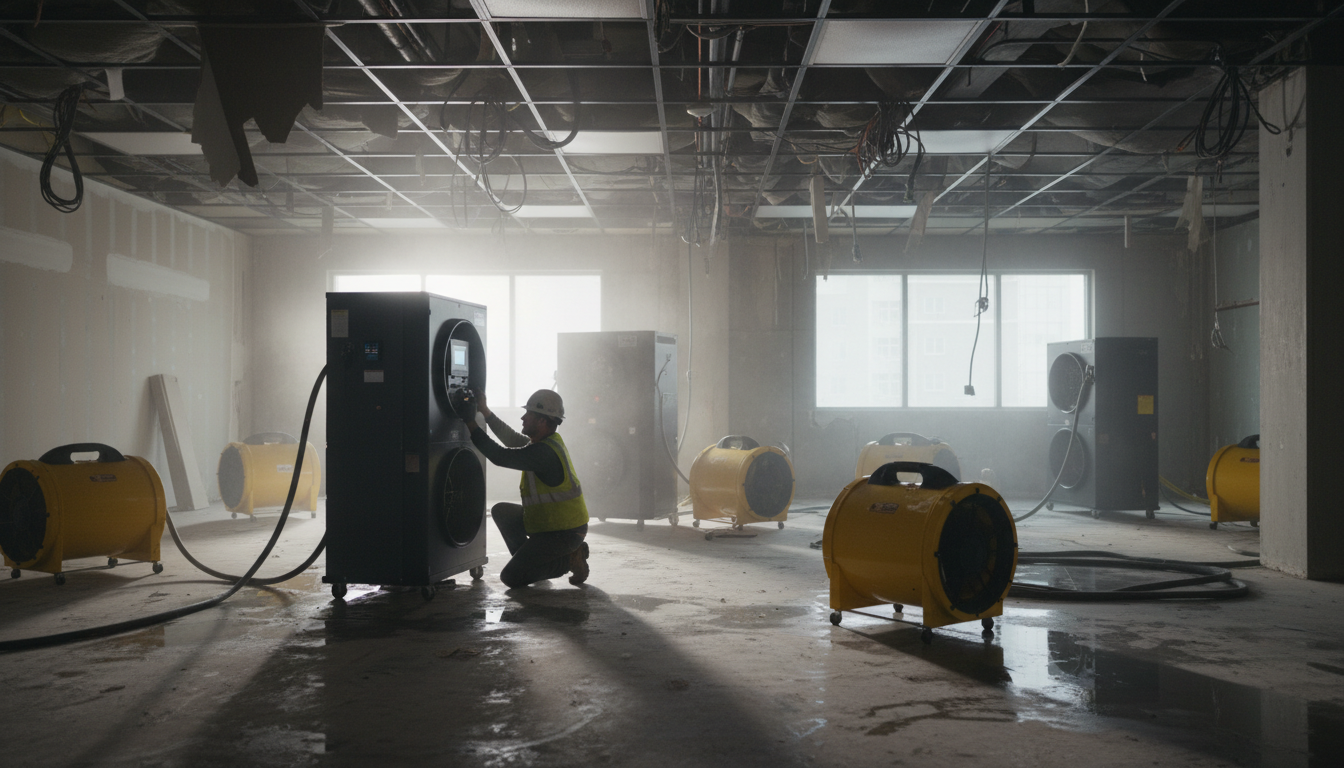
Always keep your laptop in a dry place when not in use. Avoid using it in areas with high humidity, such as near open windows or in rooms without air conditioning. Using a dehumidifier can also help maintain a dry environment.
Regular Cleaning and Maintenance
Clean the Exterior Regularly
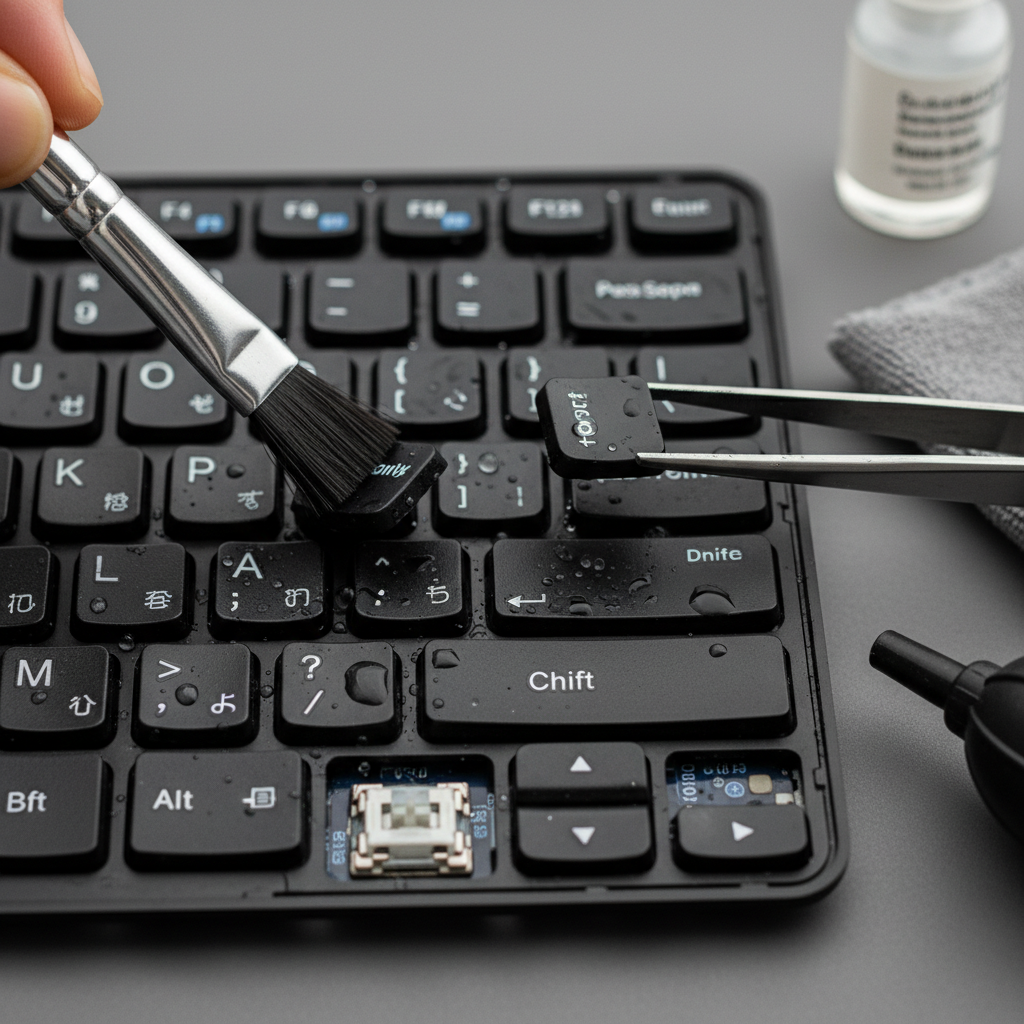
Dust and moisture can accumulate on your laptop’s surface, leading to long-term damage. Use a microfiber cloth to wipe it down regularly, ensuring that no water enters through the ports or keyboard.
Check for Moisture Inside Ports
After exposure to humid conditions, check your laptop’s ports for moisture. Use a soft cloth or cotton swab to gently clean and dry them, preventing any moisture-related issues.
Software and Internal Care
Regular Software Updates
Keeping your laptop’s software up to date is crucial for optimal performance. Regular updates can also include patches that improve the device's ability to handle environmental stressors, such as humidity.
Battery Care
Battery efficiency can be impacted by humidity. Follow these tips to prolong battery life during the monsoon:
- Avoid overcharging your laptop.
- Maintain a charge between 20% and 80%.
- Store the laptop in a cool, dry place when not in use.
Emergency Measures
If your laptop does get wet, turn it off immediately and remove the battery if possible. Allow it to dry completely before turning it back on. Using silica gel packets can help absorb moisture quickly.
By following these seasonal maintenance tips, you can safeguard your laptop from the adverse effects of the monsoon season in Maharashtra, ensuring a trouble-free and efficient performance.