
Seasonal Laptop Maintenance Tips for Panvel Residents


As the seasons change in Panvel, it’s essential to give your laptop the attention it deserves. Regular maintenance can ensure your device runs smoothly and efficiently, reducing the risk of unexpected breakdowns. Here are some seasonal maintenance tips specifically for Panvel residents.
Spring: Refresh and Rejuvenate
Spring is the perfect time to declutter your laptop. Begin by organizing your files and deleting anything you no longer need. This not only frees up space but also improves your laptop's performance.
Next, perform a thorough virus scan. With so much data exchange happening online, it's crucial to keep your laptop protected from malware and viruses. Ensure your antivirus software is up-to-date and run a full system scan.
Check for System Updates
Manufacturers often release updates to improve security and functionality. Regularly check for system and software updates and install them promptly to keep your laptop running efficiently.
Summer: Beat the Heat
Panvel’s summer can be quite hot, and excessive heat can damage your laptop. Ensure your device is well-ventilated by cleaning the air vents and fans. Use a soft brush or compressed air to remove dust buildup.
Consider investing in a cooling pad, especially if you use your laptop for extended periods. These pads help dissipate heat, preventing overheating and potential damage.

Backup Your Data
Summer is also a great time to back up important data. Use external drives or cloud storage to secure your files. This precaution ensures you won't lose critical information during power surges or unexpected shutdowns.
Monsoon: Protect from Moisture
Monsoon season in Panvel brings high humidity, which can be harmful to electronic devices. Keep your laptop in a dry place and consider using silica gel packs to absorb excess moisture.
It's also wise to use a waterproof laptop bag if you're carrying your device outside. This simple step can protect against sudden downpours.

Inspect Battery Health
High humidity can affect battery performance. Regularly check your battery health and calibrate it if necessary. This involves letting the battery drain completely and then recharging it to 100% to ensure accurate power readings.
Winter: Keep It Cozy
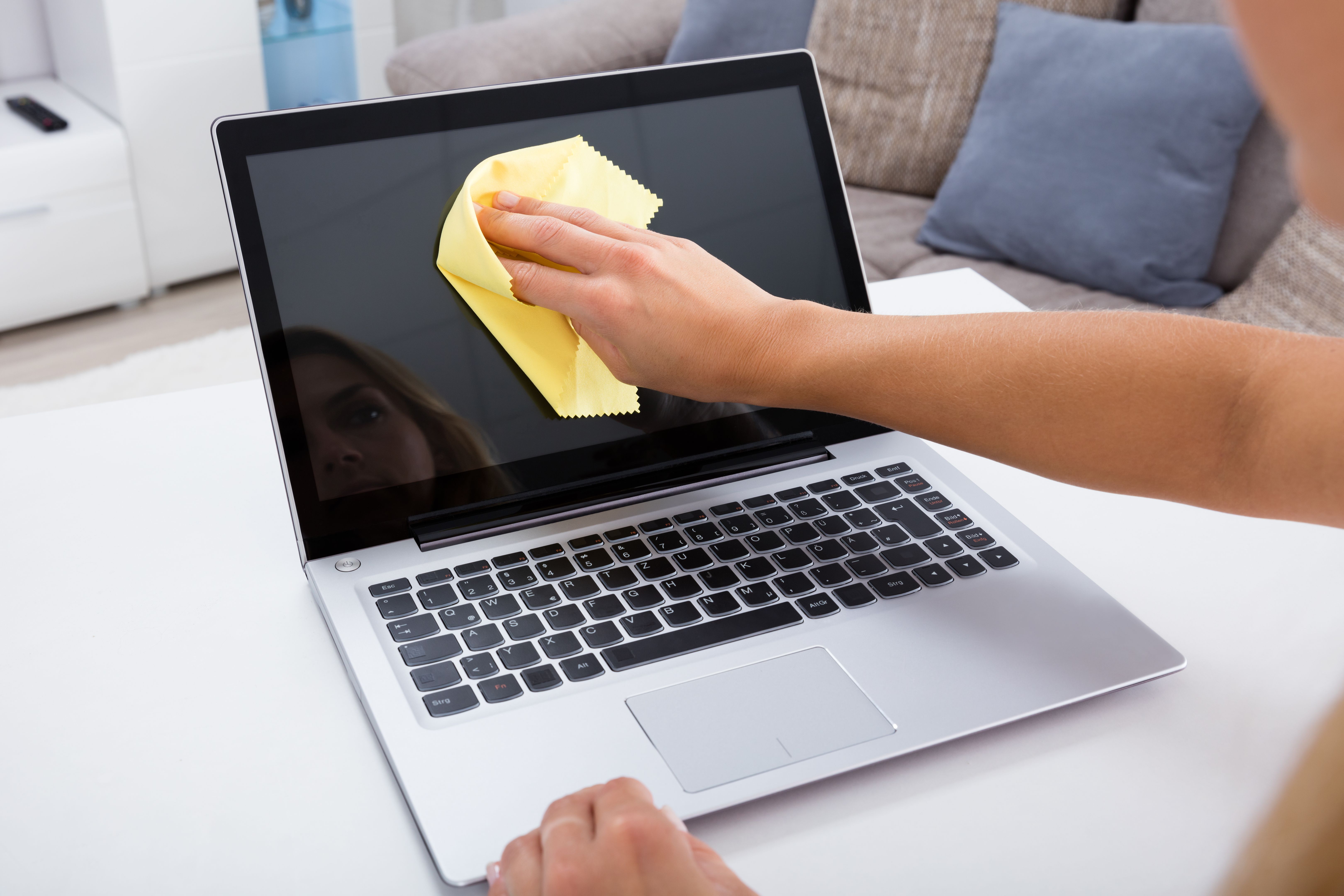
While Panvel doesn’t experience harsh winters, the cooler months are still an excellent time to ensure your laptop is functioning optimally. Clean your keyboard and screen with appropriate cleaners to remove dust and fingerprints.
Additionally, run diagnostics to check hardware health. Many laptops come with built-in tools to help identify issues with RAM, hard drives, and other components.

Review Security Settings
Finally, review your security settings during the winter months. Ensure that your firewall is active and consider using a VPN for added online security. Regularly changing passwords is a good practice to protect sensitive information.
By following these seasonal maintenance tips, Panvel residents can keep their laptops in top condition all year round. Regular care not only extends the life of your device but also enhances its performance, making your digital life more efficient and secure.