
Understanding Network Setup and Troubleshooting for Homes and Offices in Panvel


The Importance of Network Setup
In today's digital age, having a robust network setup is crucial for both homes and offices. Whether you're streaming content, working remotely, or managing a smart home system, a reliable network ensures seamless connectivity. In Panvel, as the demand for efficient technology grows, understanding network setup becomes increasingly important.

A well-configured network can enhance productivity and provide a stable connection for various devices. For businesses, it means uninterrupted communication and operations. For homes, it means enjoying online entertainment and smart home capabilities without lag.
Basic Network Components
Setting up a network involves several key components. The primary elements include a modem, router, and cables. The modem connects to your Internet Service Provider (ISP) and translates digital signals. The router then distributes the internet connection to various devices in your home or office.
Additionally, Ethernet cables are often used for wired connections, providing faster and more reliable internet speeds compared to wireless connections. Understanding these components can help in troubleshooting common network issues.
Setting Up Your Network
When setting up a network in Panvel, start by choosing a central location for your router to ensure optimal coverage. Connect the modem to the router and configure the router settings via its web interface. Set a strong password to secure your network and prevent unauthorized access.
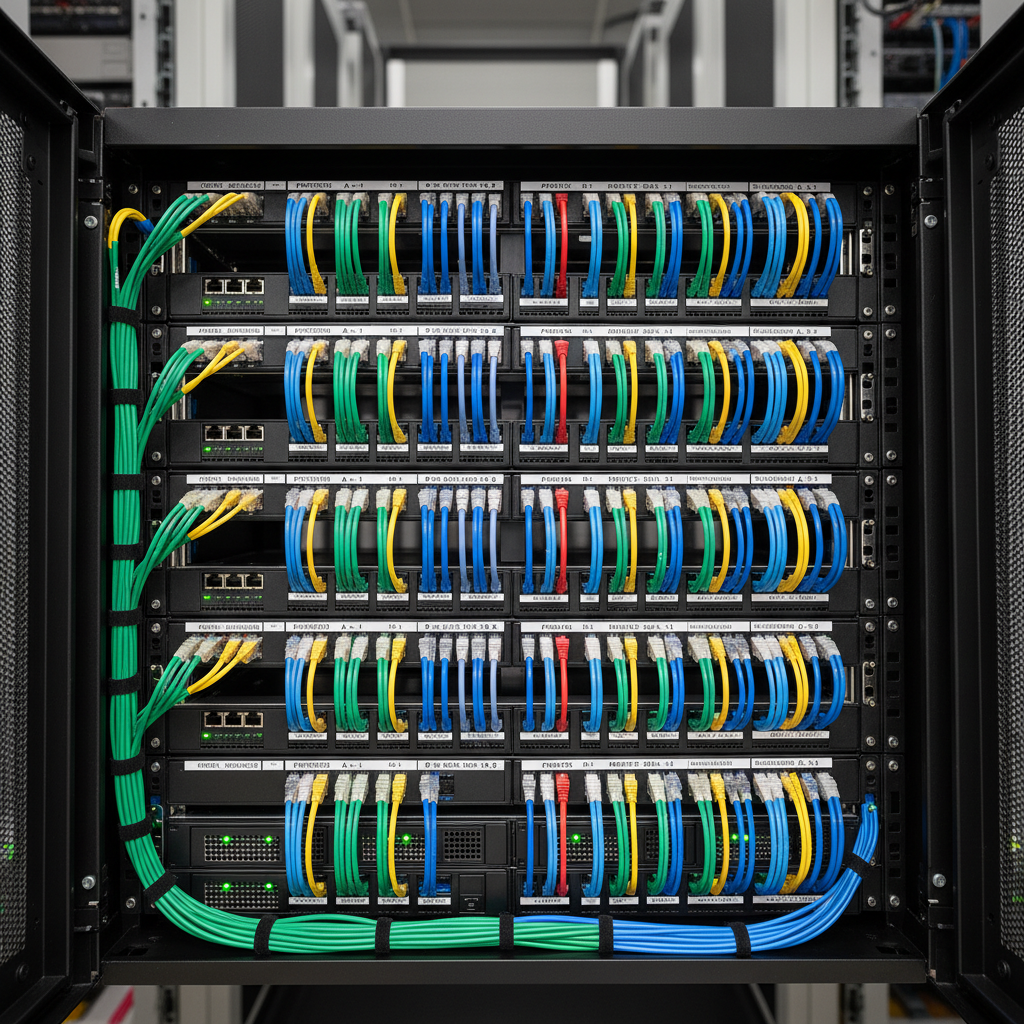
It's essential to update your router's firmware regularly to fix potential security vulnerabilities. Use the 5 GHz band for faster speeds and the 2.4 GHz band for wider coverage if your router offers dual-band capabilities.
Wireless vs. Wired Connections
While wireless connections offer the convenience of mobility, wired connections are advantageous for tasks requiring stable, high-speed internet. Consider using Ethernet cables for devices like desktop computers and gaming consoles to minimize latency.
Troubleshooting Common Network Issues
Even with a well-set-up network, issues can arise. Common problems include slow internet speeds, dropped connections, and devices not connecting to the network. First, restart your modem and router, as this often resolves connectivity issues.

Ensure that your router is not placed near devices that can cause interference, such as microwaves or cordless phones. If speed remains an issue, contact your ISP to ensure there are no service outages or to upgrade your plan if necessary.
Using Network Tools
Utilize network diagnostic tools to identify and resolve issues. Tools like ping tests, traceroute, and network analyzers can provide insights into network performance and help pinpoint the source of a problem.
For businesses in Panvel, investing in professional network management services can ensure that your network remains efficient and secure, allowing you to focus on core operations without technical disruptions.